Looking for the perfect body editing app to enhance your photos? With hundreds of options available, choosing the right one can feel overwhelming. Whether you want to slim your waist, lengthen your legs, or simply smooth out imperfections, modern AI-powered body editors make professional-quality edits accessible to everyone.
In this comprehensive guide, we review the 10 best body editing apps for 2026. We compare features, pricing, and results to help you find the perfect match for your editing needs.
At a Glance
Body editing apps use AI technology to reshape and enhance body proportions in photos. The best options like PhotoDirector, Facetune, and YouCam Perfect offer intuitive slider controls, background preservation, and natural-looking results. Most apps work on both iPhone and Android, with many offering free versions. For trying on clothes virtually before editing, tools like CheckMyFit let you visualize outfits on your body first.
What Is a Body Editing App?
A body editing app is a photo editing tool designed specifically to modify body appearance in images. These apps use AI algorithms and digital manipulation techniques to reshape body proportions, smooth skin, and enhance features while maintaining natural-looking results.
Unlike general photo editors, body editing apps focus on anatomical adjustments. They can slim waists, lengthen legs, enhance muscle definition, adjust height, and reshape facial features. The best apps use machine learning to understand body proportions, ensuring edits look realistic rather than obviously manipulated.
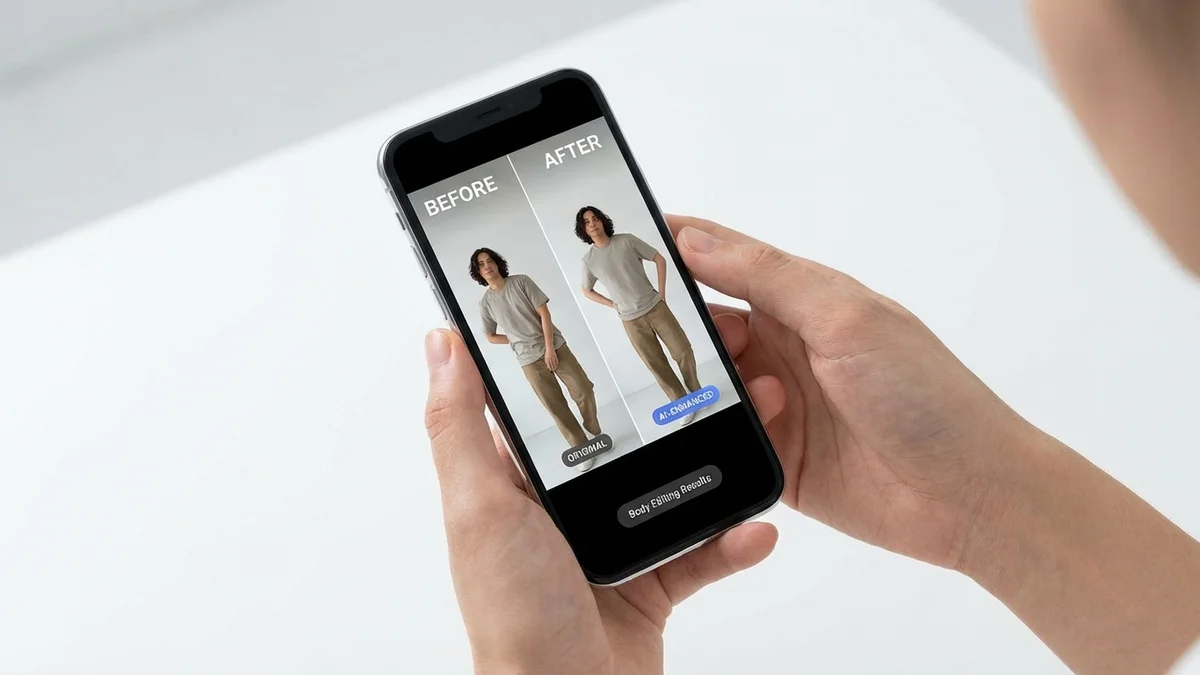
Key Takeaway: Body editing apps specialize in anatomical adjustments that general photo editors cannot handle with the same precision or natural results.
How Do Body Editing Apps Work?
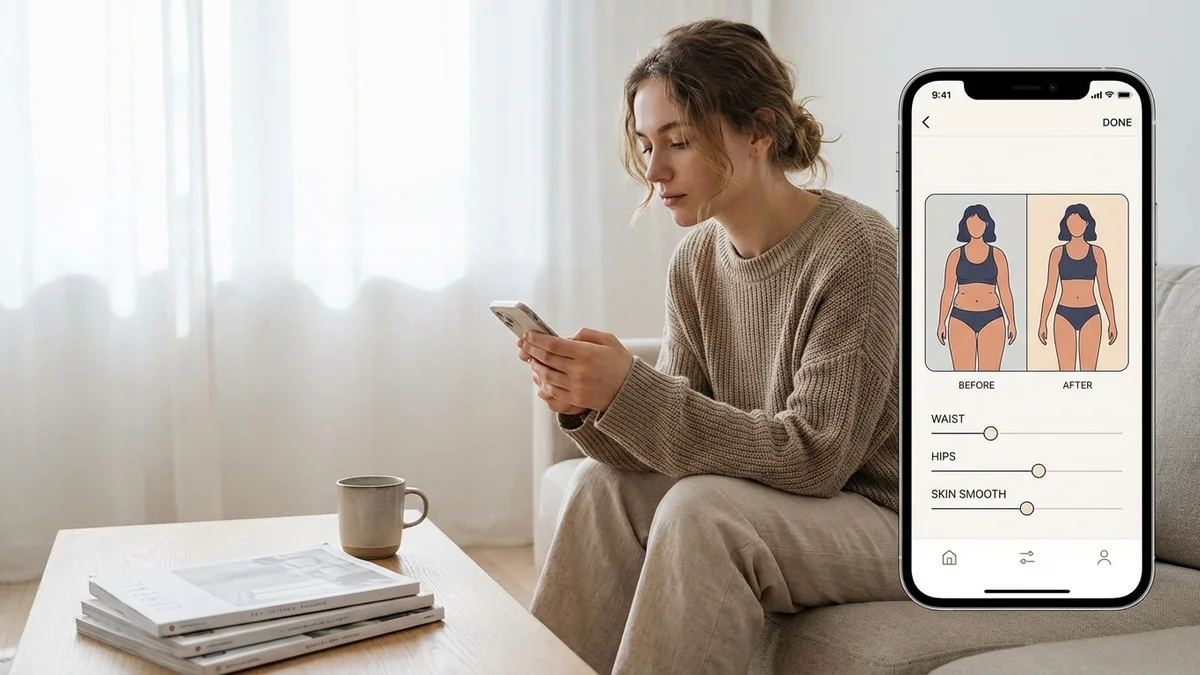
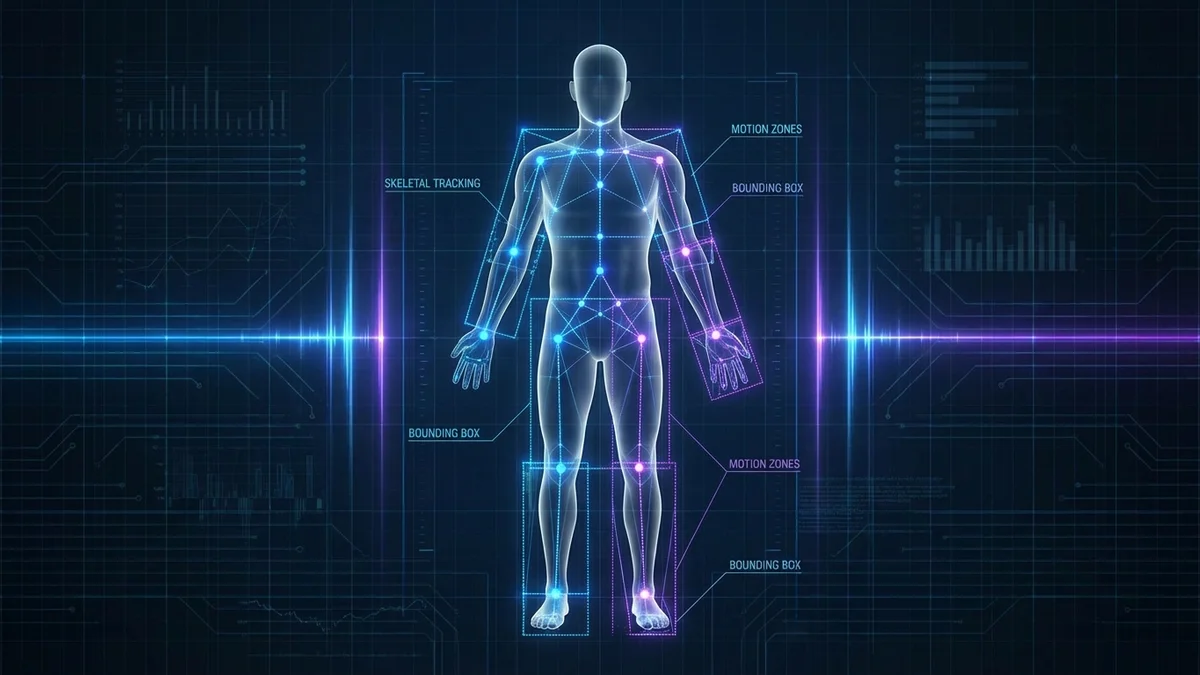
Body editing apps work through advanced AI algorithms that detect and map body contours automatically. When you upload a photo, the app identifies key body points including shoulders, waist, hips, arms, and legs. This detection allows for precise, targeted edits.
The technology behind these apps includes:
| Technology | Function | Example Apps |
|---|---|---|
| AI Body Detection | Automatically identifies body regions | PhotoDirector, Facetune |
| Liquify Tools | Pushes and pulls pixels for reshaping | BeautyPlus, Fotor |
| Slider Controls | Adjusts specific measurements with precision | YouCam Perfect, BodyTune |
| Background Protection | Prevents warping around edited areas | Peachy, LightX |
Most apps offer both automatic one-tap enhancements and manual controls for detailed adjustments. The AI ensures edits follow natural body proportions, preventing the distorted look that manual editing often creates.
Top 10 Body Editing Apps for 2026
After testing dozens of apps, here are the best body editing apps available for iPhone and Android in 2026.
1. PhotoDirector - Best Overall
PhotoDirector stands out as the most comprehensive body editing app available. Its AI-powered reshape feature allows precise adjustments to every body part through intuitive slider controls.
Key Features:
- Body width and height slimming
- Individual limb adjustments
- Face reshaping tools
- Background preservation technology
- One-tap auto-enhance
Pros: Free to download, no watermarks, extensive feature set Cons: Premium features require subscription
Best For: Users wanting professional-grade results without complex learning curves
2. Facetune - Best for Natural Results
Facetune leads the industry with intelligent reshape technology. Its AI understands body proportions to deliver subtle adjustments that look authentic rather than edited.
Key Features:
- Proportion-aware reshaping
- Selective body part editing
- Skin smoothing and tone correction
- Height and posture adjustments
Pros: Extremely natural-looking results, intuitive interface Cons: Premium pricing for full features
Best For: Social media creators prioritizing authenticity
3. YouCam Perfect - Best Free Option
YouCam Perfect offers impressive body editing tools at no cost. Its Body Tuner feature provides slider and manual brush options for complete control.
Key Features:
- Waist and leg slimming
- Bust and hip enhancement
- Body Shaper brush tool
- Height stretching
- Tan filters
Pros: Generous free features, works on photos and videos Cons: Ads in free version can be intrusive
Best For: Budget-conscious users who need comprehensive editing
4. Peachy - Best for Curves Enhancement
Peachy specializes in enhancing body curves naturally. Its automatic tools focus specifically on hips, waist, and bust with simple slider controls.
Key Features:
- Curve enhancement sliders
- Face slimming tools
- Muscle overlay options
- Tattoo stickers
- Height adjustment
Pros: Specialized curve tools, beginner-friendly Cons: Limited advanced editing options
Best For: Users focused on enhancing natural curves
5. BeautyPlus - Best for Targeted Edits
BeautyPlus excels at targeting specific body areas. You can drag to adjust legs, waist, arms, hips, and chest independently with precise control.
Key Features:
- Area-specific sliders
- Auto AI reshaper
- Muscle definition tools
- Background preservation
- Batch editing
Pros: Precise targeting, no background warping Cons: Some features locked behind paywall
Best For: Users who need to adjust specific problem areas
6. BodyTune - Best for Quick Edits
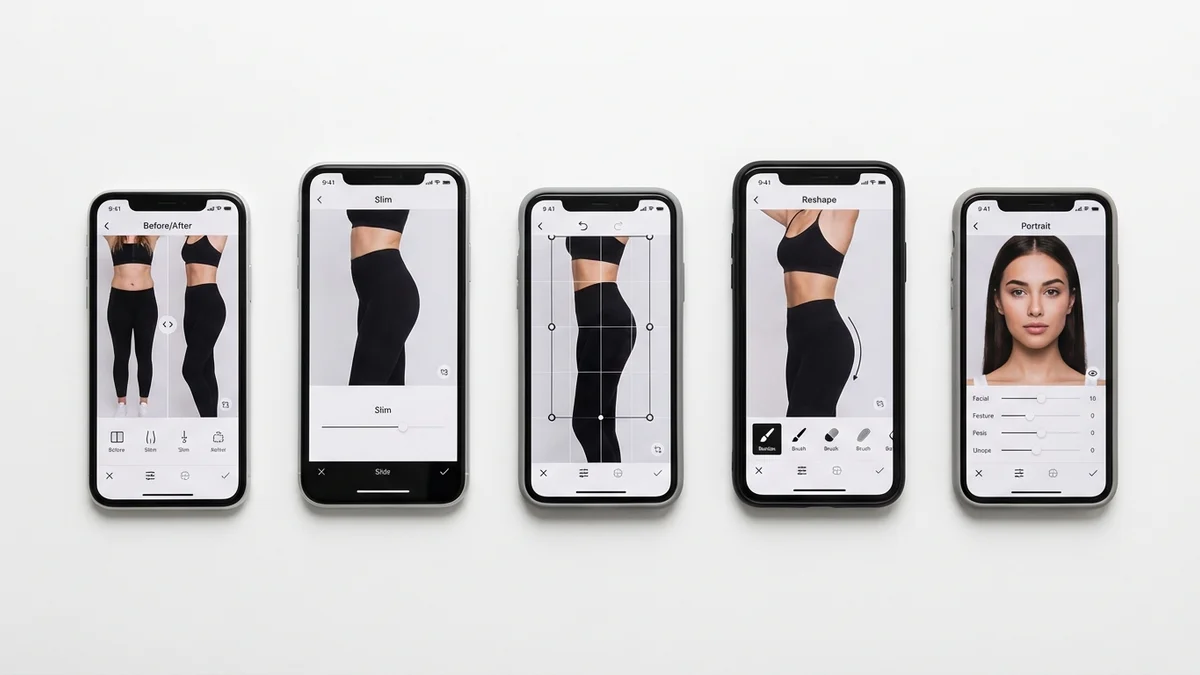
BodyTune offers ready-made filters and presets for instant body corrections. Perfect for users who want fast results without manual adjustments.
Key Features:
- One-tap body presets
- Waist cinching tools
- Leg lengthening
- Face slimming filters
- Before/after comparison
Pros: Fastest editing workflow, simple interface Cons: Less customization than competitors
Best For: Users wanting quick social media-ready photos
7. PrettyUp - Best for Video Editing
PrettyUp brings body editing capabilities to video content. Edit body shape in TikToks, Reels, and other video formats.
Key Features:
- Video body reshaping
- Real-time preview
- Automatic body tracking
- Face retouching in motion
- Export in multiple formats
Pros: Unique video editing capability Cons: More resource-intensive than photo apps
Best For: Content creators making video content
8. RetouchMe - Best Professional Quality
RetouchMe uses actual human designers rather than just AI. You submit photos and receive professionally edited versions within 10-15 minutes.
Key Features:
- Professional human editors
- Custom requests available
- High-resolution output
- Complete body reshaping
- Facial feature adjustments
Pros: Professional-quality results, handles complex edits Cons: Pay-per-photo pricing, requires waiting
Best For: Special occasion photos needing perfect results
9. LightX - Best Online Editor
LightX works entirely in your browser without any download required. Perfect for quick edits on any device with internet access.
Key Features:
- No download required
- Full and partial body reshaping
- AI auto-detection
- Instant results
- Free tier available
Pros: Works on any device, no storage needed Cons: Requires internet connection
Best For: Users who prefer browser-based tools
10. Evoto AI - Best for Batch Editing
Evoto AI specializes in processing multiple photos simultaneously. Ideal for photographers or anyone editing many images at once.
Key Features:
- Batch body editing
- Smart AI detection
- Commercial-grade output
- Real-time editing
- Sync edits across photos
Pros: Massive time savings for multiple photos Cons: Steeper learning curve
Best For: Professional photographers and agencies
Body Editing Apps Comparison Table
| App | Platform | Free Version | Video Support | Background Protection | Best Feature |
|---|---|---|---|---|---|
| PhotoDirector | iOS/Android | Yes | Yes | Yes | Comprehensive tools |
| Facetune | iOS/Android | Limited | No | Yes | Natural results |
| YouCam Perfect | iOS/Android | Yes | Yes | Yes | Free features |
| Peachy | iOS/Android | Yes | No | Yes | Curve enhancement |
| BeautyPlus | iOS/Android | Yes | Limited | Yes | Targeted editing |
| BodyTune | iOS/Android | Yes | No | Limited | Quick presets |
| PrettyUp | iOS/Android | Yes | Yes | Yes | Video editing |
| RetouchMe | iOS/Android | No | No | Yes | Human editors |
| LightX | Web/Mobile | Yes | No | Yes | No download |
| Evoto AI | Web/Desktop | Limited | No | Yes | Batch processing |
What Features Should You Look for in a Body Editing App?
Choosing the right body editing app requires understanding which features matter most. Here are the essential capabilities to evaluate before downloading.
AI-Powered Detection
The best apps use artificial intelligence to automatically detect body contours. This enables precise edits without manual tracing. Look for apps that recognize body parts instantly upon photo upload.
Background Preservation
Poor body editors warp the background when making adjustments, creating obvious editing artifacts. Quality apps protect surrounding elements while modifying only the body area.
Natural Proportion Awareness
Advanced apps understand human anatomy and prevent unrealistic edits. They maintain proper ratios between body parts even when making significant changes.
Ease of Use
Unless you need professional control, prioritize apps with slider-based interfaces. These allow quick adjustments without technical knowledge.
| User Type | Recommended Features | Best Apps |
|---|---|---|
| Beginners | One-tap presets, simple sliders | BodyTune, YouCam |
| Intermediate | Manual controls, precise targeting | Facetune, BeautyPlus |
| Professionals | Batch editing, commercial output | Evoto, PhotoDirector |
| Content Creators | Video support, fast processing | PrettyUp, Vivid Glam |
Key Takeaway: Prioritize background preservation and natural proportion awareness over the number of features. Quality matters more than quantity.
How to Use a Body Editing App for Natural Results
Getting natural-looking results requires more than just the right app. Follow these professional tips to ensure your edits look authentic.
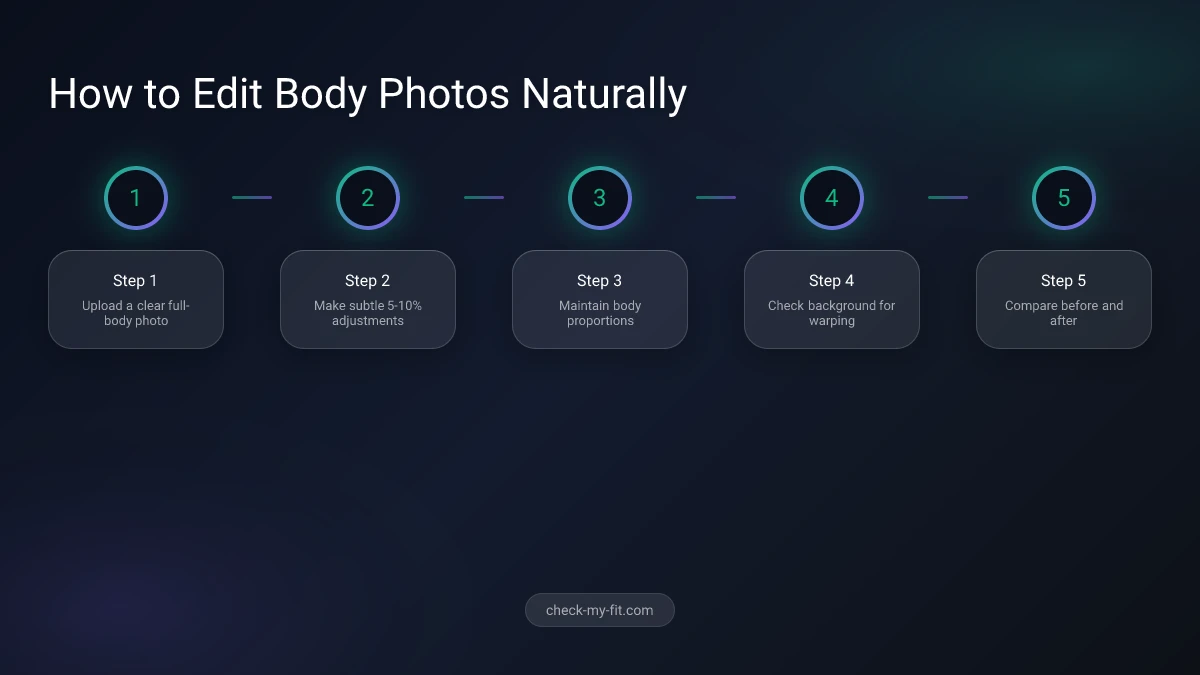
Step 1: Start with a Quality Photo
Upload a clear, well-lit photo with your full body visible. Single-person images work best because AI can detect body contours more accurately.
Step 2: Make Subtle Adjustments
The biggest mistake is over-editing. Move sliders in small increments. A 5-10% adjustment often provides better results than dramatic changes.
Step 3: Maintain Proportions
When slimming one area, consider how it affects surrounding proportions. If you slim your waist significantly, slight hip adjustments may look more natural.
Step 4: Check the Background
After editing, zoom in on areas around your body. Look for warping, blurring, or distortion in walls, furniture, or other background elements.
Step 5: Compare Before and After
Use the app's comparison feature to toggle between original and edited versions. If changes are immediately obvious, dial back your adjustments.
The Evolution: From Body Editing to Virtual Try-On
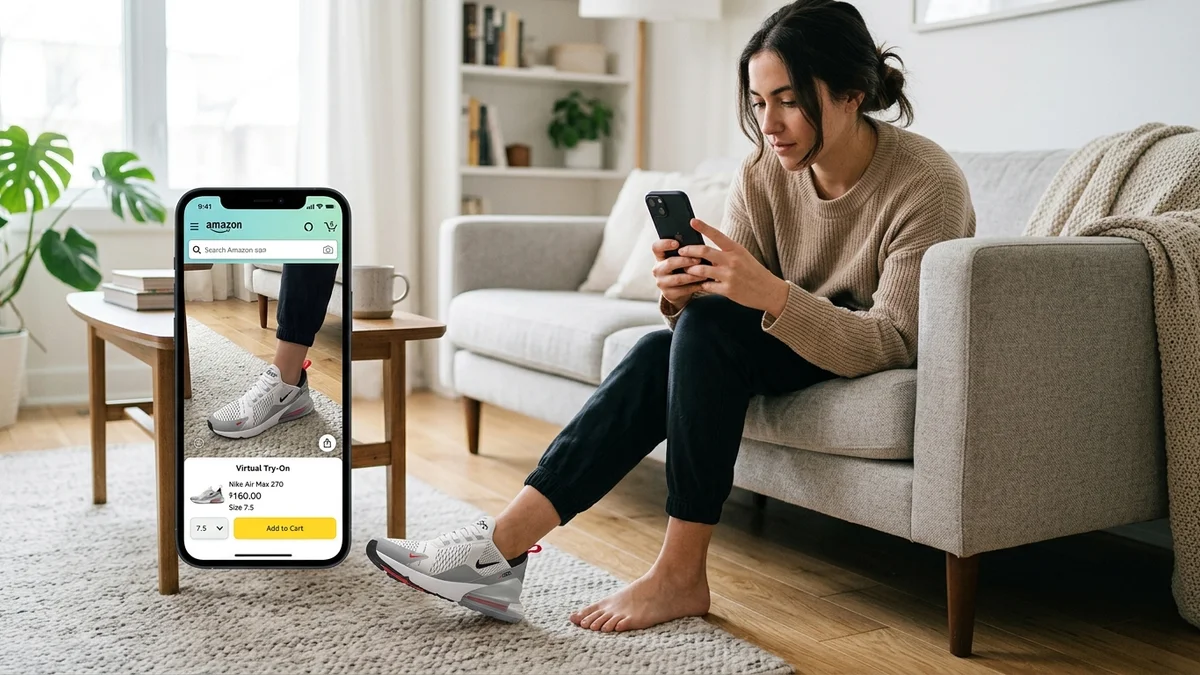
While body editing apps help enhance photos after they're taken, a new technology offers something different: seeing how clothes look on your body before you buy them.
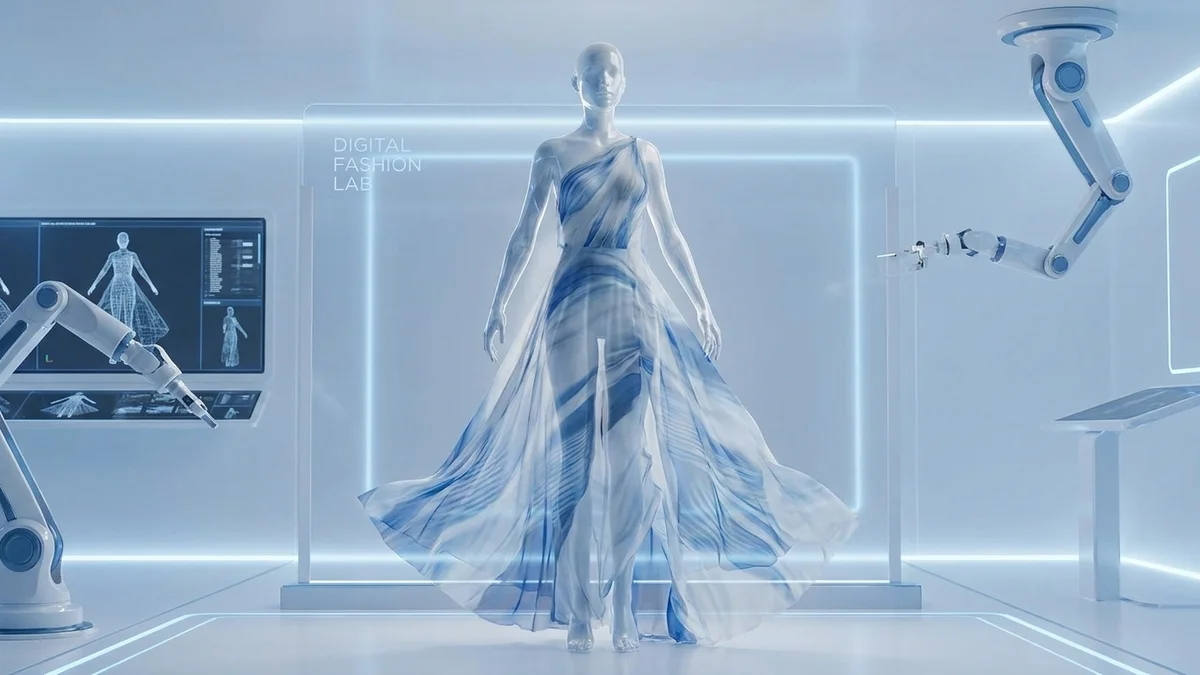
Virtual try-on technology like CheckMyFit uses the same AI that powers body editing apps but applies it differently. Instead of modifying your body shape, it shows how different garments would look on your actual figure.
This represents the next evolution in body visualization technology. Rather than editing photos after the fact, you can:
- Preview outfits on your body before purchasing
- Reduce online shopping returns from poor fit
- Experiment with styles outside your comfort zone
- Make confident purchasing decisions
The AI accurately maps clothing onto your body shape, showing realistic draping, fit, and proportions. It's particularly useful when shopping online where you cannot physically try items before buying.
Key Takeaway: Virtual try-on technology like CheckMyFit complements body editing apps by helping you visualize fashion choices on your real body shape.
Recommended Products for Better Photo Results
Great body editing starts with great source photos. These tools help you capture better images for editing.
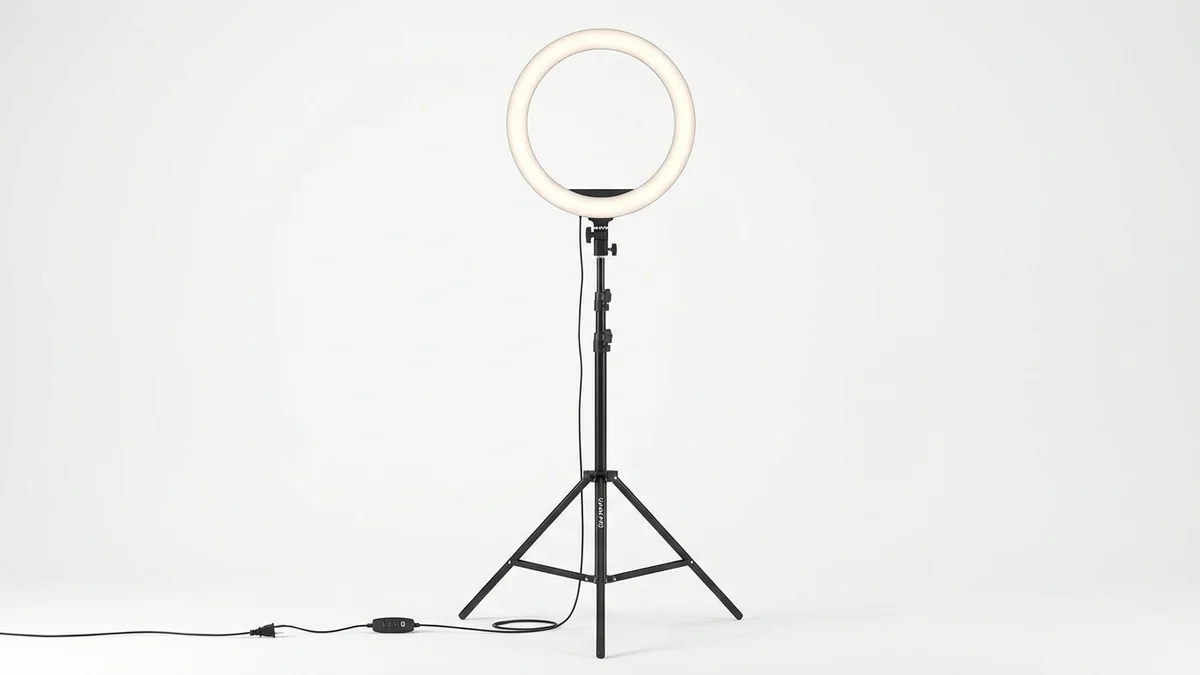
Professional lighting reduces shadows and skin imperfections in your original photos, making body edits look more natural and requiring less correction.
View on Amazon →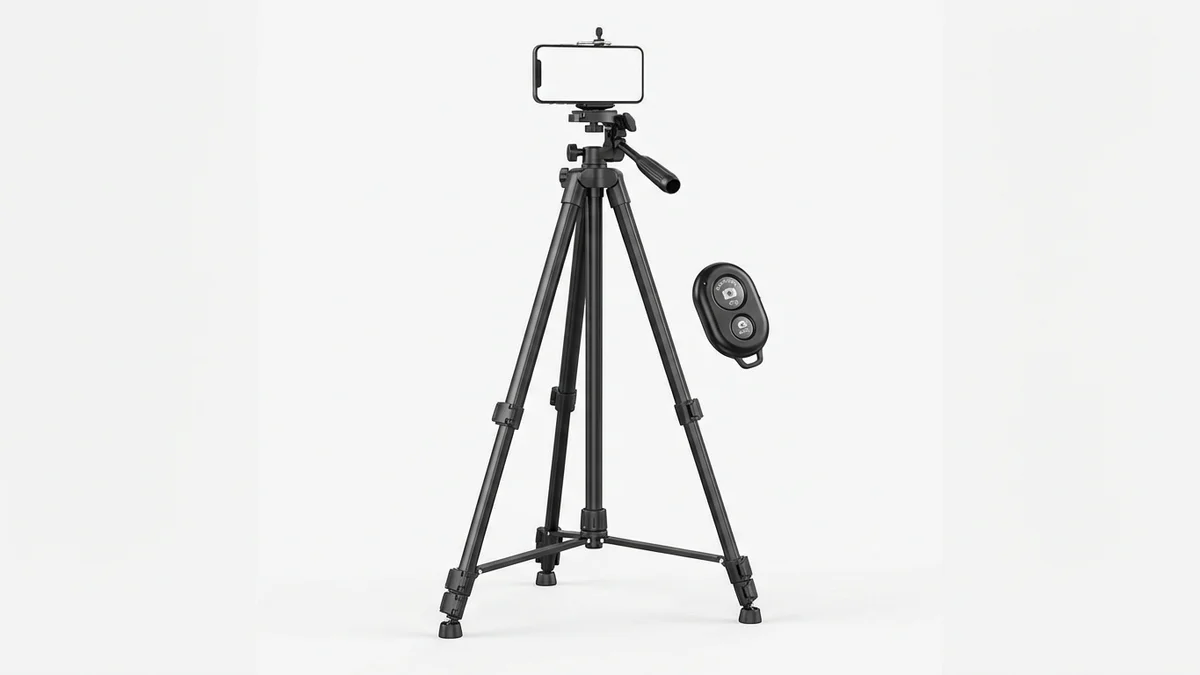
Capture full-body shots without awkward angles. The included remote lets you take photos hands-free for better posture and positioning.
View on Amazon →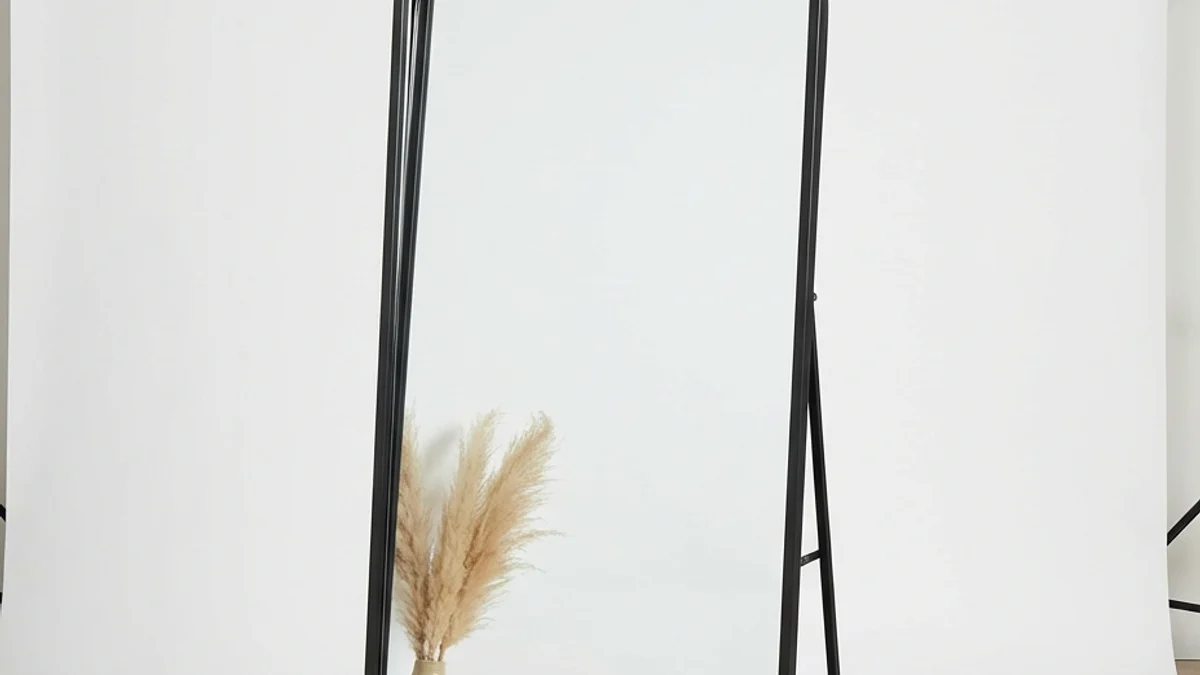
A quality full-length mirror provides consistent lighting and framing for body photos. The large surface captures your entire figure in one shot.
View on Amazon →Frequently Asked Questions
What is the best free body editing app?
PhotoDirector and YouCam Perfect offer the most comprehensive free features. Both include body slimming, height adjustment, and face reshaping without watermarks or time limits. PhotoDirector edges ahead with its background preservation technology that prevents obvious editing artifacts.
Can body editing apps work on videos?
Yes, several apps now support video body editing. PrettyUp specializes in video content, while YouCam Perfect and Vivid Glam also offer video capabilities. These apps use frame-by-frame AI processing to maintain consistent edits throughout motion footage.
Are body editing apps safe to use?
Most reputable body editing apps are safe from a technical standpoint. Review privacy policies to understand how your photos are stored and used. Apps like LightX process images locally without uploading to servers. Consider the psychological impact too—moderation prevents unhealthy comparison habits.
Do body editing apps work on both iPhone and Android?
All apps reviewed in this guide work on both iOS and Android platforms. Some like LightX and Evoto also offer web-based versions. Feature availability may vary slightly between platforms, so check specific app descriptions.
How do I make body edits look natural?
Start with subtle changes using 5-10% slider adjustments. Maintain body proportions by adjusting related areas together. Always check the background for warping. Use the before/after comparison to ensure changes aren't immediately obvious.
Can I edit specific body parts only?
Yes, most modern body editors allow targeted adjustments. Apps like BeautyPlus and Facetune let you select specific areas including waist, arms, legs, hips, and bust. The AI detects your selection and applies edits only to that region.
Are there online body editors without downloading?
LightX, Fotor, and Evoto offer browser-based body editing without any download required. These online tools work on any device with internet access. They're convenient for quick edits but may have fewer features than dedicated mobile apps.
What's the difference between body editing and virtual try-on?
Body editing modifies your appearance in existing photos. Virtual try-on technology like CheckMyFit shows how clothes would look on your unmodified body. Both use AI body detection but serve different purposes—one enhances photos, the other helps with fashion decisions.
Conclusion
The right body editing app depends on your specific needs. PhotoDirector offers the best overall package with comprehensive free features. Facetune delivers the most natural-looking results for social media. YouCam Perfect provides the best value for budget-conscious users.
For those interested in fashion visualization beyond photo editing, virtual try-on tools represent the next evolution. These technologies let you see how clothes fit your body before purchasing, combining the AI innovation of body editors with practical shopping benefits.
Whatever your choice, remember that the best edits are subtle ones. Use these powerful tools to enhance your natural confidence, not create unrealistic expectations.
Ready to visualize how new outfits would look on you? Try CheckMyFit free and see AI body technology applied to fashion decisions.