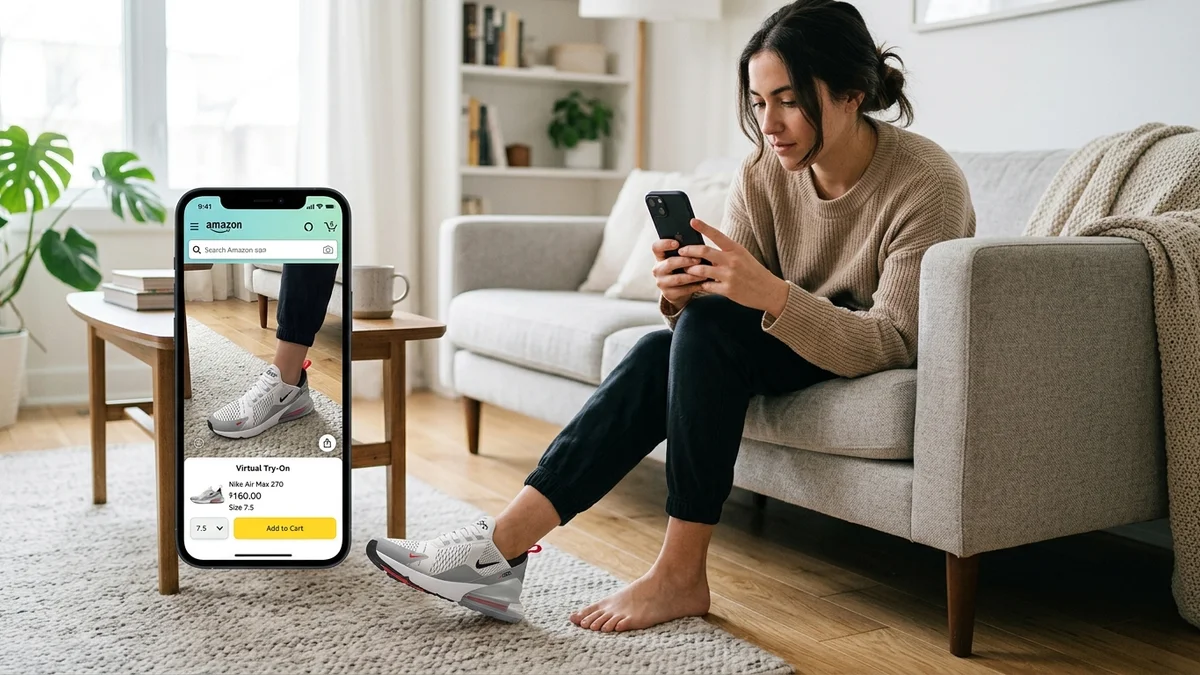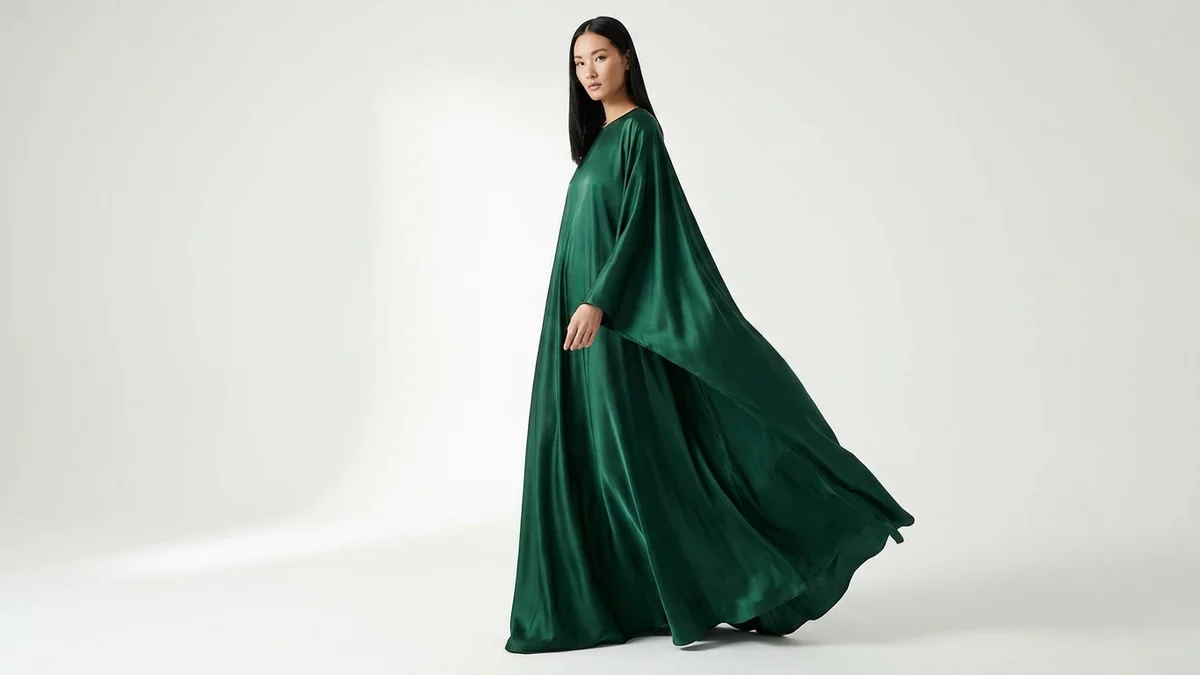
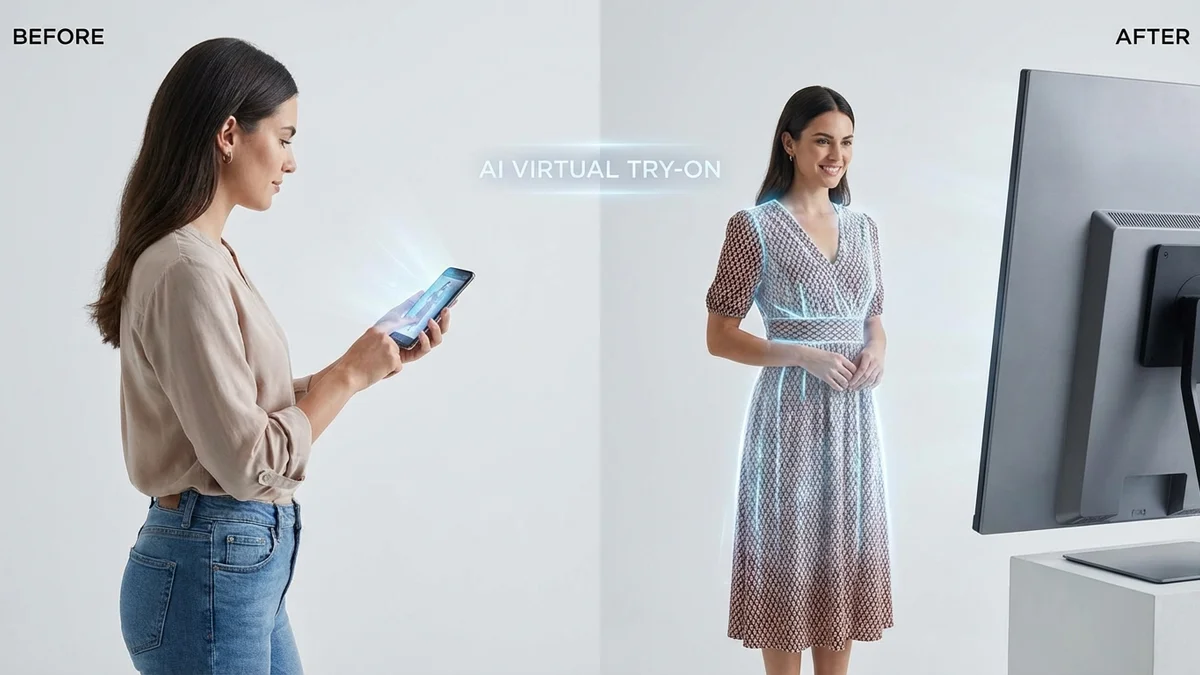
Ever wished you could try on dozens of dresses without stepping into a single fitting room? AI dress swap technology makes this possible in seconds. Whether you're planning a wedding, updating your professional headshots, or simply curious about how that trending outfit would look on you, swap dress AI tools transform how we visualize fashion.
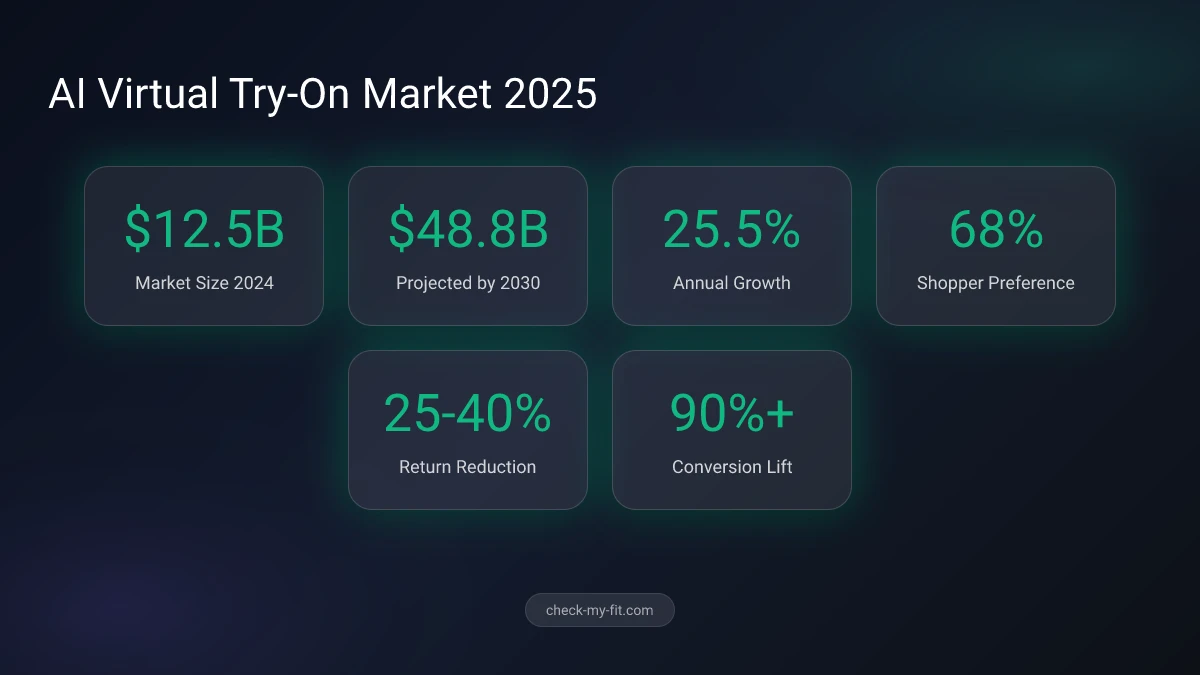
The virtual try-on market has exploded to $12.5 billion in 2024, and 68% of shoppers now prefer retailers offering this technology. This complete guide shows you exactly how to swap dresses using AI, compares the best tools available in 2026, and shares expert tips for achieving the most realistic results.
What Is Swap Dress AI and How Does It Work?
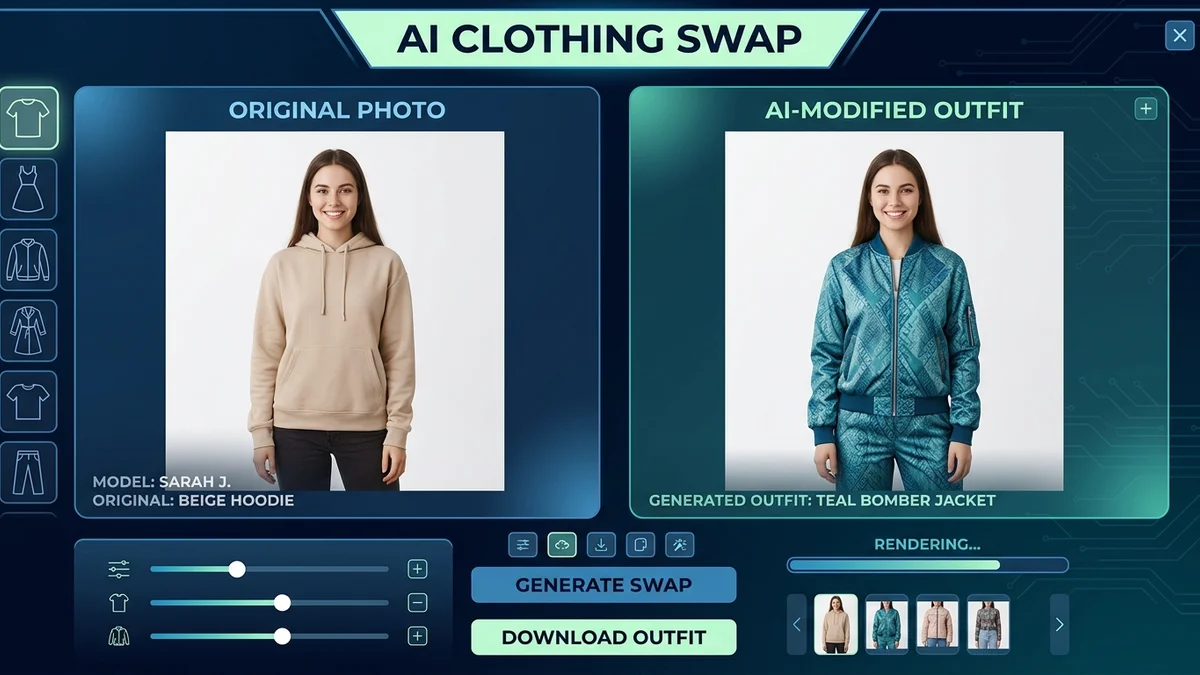
Swap dress AI is virtual technology that digitally replaces clothing in photographs using artificial intelligence algorithms. The system analyzes your photo to detect body contours, skin tone, and existing garments, then seamlessly overlays new clothing while maintaining realistic proportions, shadows, and fabric movement.
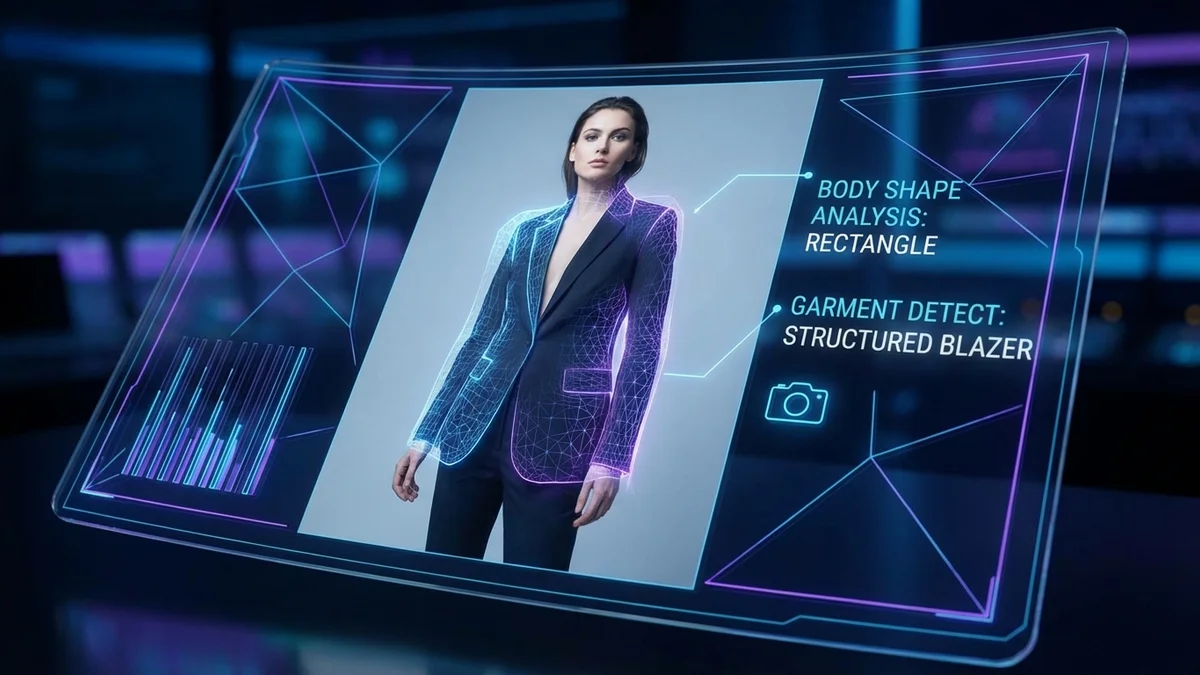
The technology relies on several AI components working together:
| Component | Function | Impact on Results |
|---|---|---|
| Body Detection | Maps body shape and pose | Ensures proper garment fit |
| Segmentation AI | Separates clothing from background | Creates clean swap edges |
| Generative Models | Creates realistic fabric textures | Produces natural-looking results |
| Lighting Analysis | Matches shadows and highlights | Blends new outfit seamlessly |
Modern AI clothes changers use diffusion models similar to those powering image generators like Midjourney and DALL-E. These models have been trained on millions of fashion images, learning how different fabrics drape, fold, and reflect light on various body types.
The global virtual try-on market is projected to reach $48.8 billion by 2030, growing at 25.5% annually.
Key Takeaway: AI dress swap works by combining body detection, fabric generation, and lighting matching to create realistic outfit previews in seconds.
How Do I Use AI to Swap Clothes in Photos?
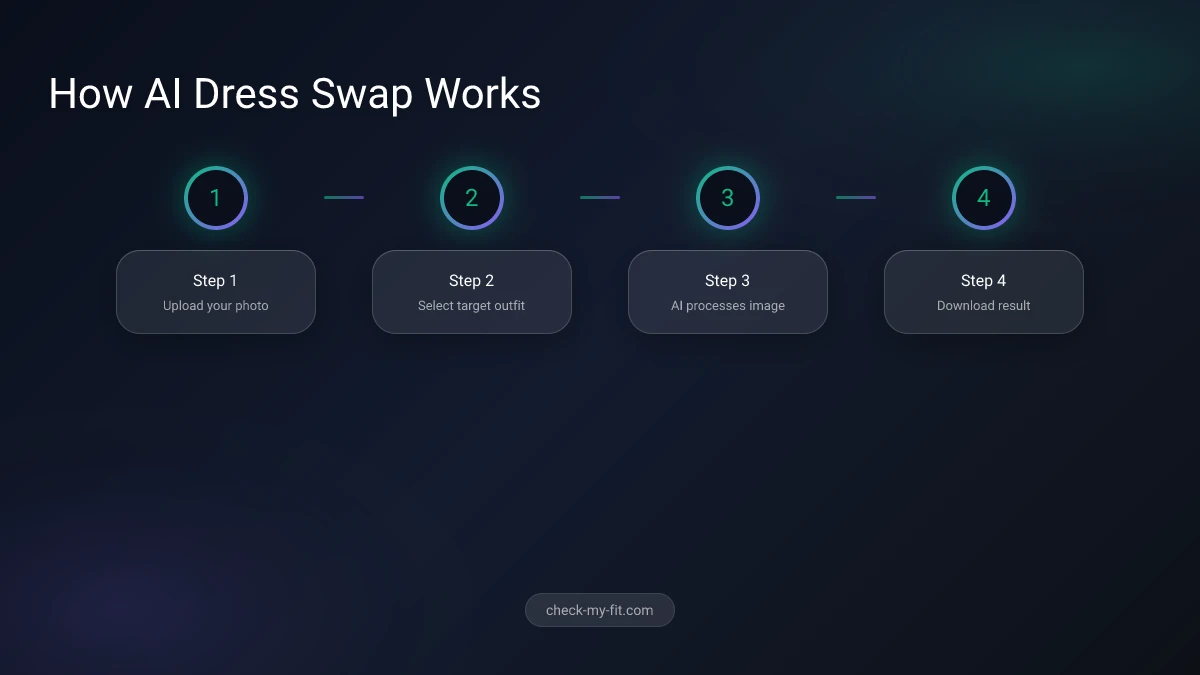
Using AI to swap dresses in your photos follows a straightforward process that works across most platforms. Here's the step-by-step method that produces the best results with any tool.
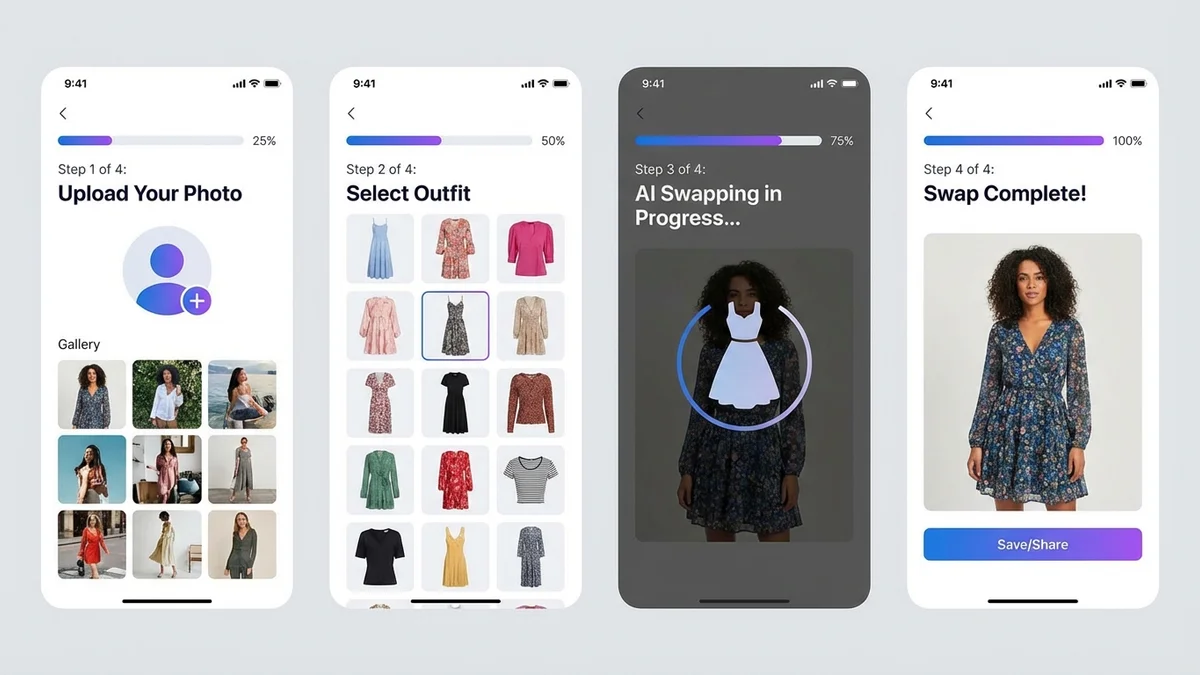
Step 1: Prepare Your Model Photo
Choose a clear, well-lit photograph of yourself or your model. The image should show a full or upper body with the subject facing the camera. Avoid photos with busy backgrounds or multiple people.
Step 2: Select or Upload the Target Outfit
Most AI dress swap tools offer two options:
- Preset wardrobe: Browse built-in collections of dresses, suits, and casual wear
- Custom upload: Upload your own garment photo for precise matching
Step 3: Enter Style Prompts (If Available)
Some advanced tools like CheckMyFit allow text prompts for customization. Be specific with your descriptions:
- Good: "Elegant red evening gown with V-neck"
- Better: "Woman wearing flowing red satin evening dress with subtle sparkle"
Step 4: Process and Download
Click the swap or generate button and wait 10-15 seconds. Review the result and download if satisfied. Most tools offer multiple attempts for free.
| Photo Quality | Processing Time | Result Accuracy |
|---|---|---|
| Low (under 500px) | 5-8 seconds | 60-70% |
| Medium (500-1000px) | 10-15 seconds | 80-85% |
| High (1000px+) | 15-20 seconds | 90-95% |
Key Takeaway: The quality of your input photo directly affects output quality. Higher resolution images with good lighting produce dramatically better dress swap results.
What Are the Best AI Dress Swap Tools in 2026?
The AI fashion technology landscape offers numerous options, from free web-based tools to professional-grade applications. Here's how the top platforms compare for dress swapping.
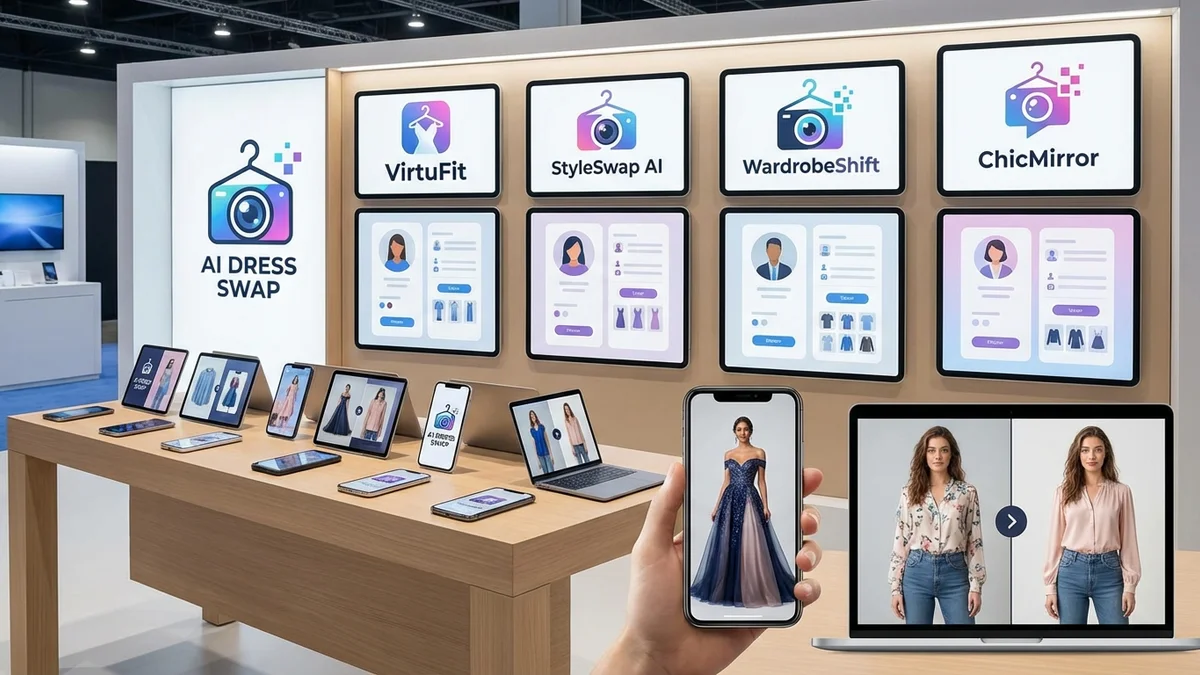
Top AI Dress Swap Tools Comparison
| Tool | Best For | Free Tier | Realistic Results | Mobile Support |
|---|---|---|---|---|
| CheckMyFit | Virtual try-on before buying | Yes | Excellent | Yes |
| BeautyPlus | Casual outfit previews | Yes | Very Good | Yes |
| Kolors Virtual Try-On | Technical accuracy | Yes | Excellent | Limited |
| MyEdit | Video transformations | Limited | Good | Yes |
| ImagineArt | Creative styling | Yes | Very Good | Yes |
| Pincel | E-commerce product shots | Credits | Excellent | No |
CheckMyFit: Best Overall for Virtual Try-On
CheckMyFit stands out for its focus on helping shoppers visualize purchases before buying. The platform processes outfit changes in under 15 seconds and maintains exceptional consistency with body proportions and skin tones.
What makes it particularly useful:
- Body type preservation: Your actual shape appears in the preview
- Fabric accuracy: Realistic texture rendering for different materials
- E-commerce integration: Works with product images from major retailers
- Privacy-first: Images deleted after processing
BeautyPlus: Best Built-in Wardrobe
BeautyPlus offers an extensive preset collection including wedding dresses, professional attire, and costume options. The single-click operation makes it accessible for quick styling experiments.
Kolors Virtual Try-On: Best Technical Accuracy
Developed by Kwai, Kolors uses advanced AI models that excel at preserving logos, patterns, and intricate details on garments. It's available free on Hugging Face for unlimited use.
Key Takeaway: CheckMyFit offers the best balance of realistic results and practical shopping use, while BeautyPlus excels for creative exploration with its built-in wardrobe.
Swap Dress AI Use Cases by Occasion
AI dress swapping serves different purposes depending on your goals. Understanding the best approach for each situation helps you get optimal results.
Wedding Dress Planning
Brides-to-be use AI dress swap to preview gown styles before visiting salons. This narrows down choices and saves hours of in-person appointments.
| Wedding Style | Recommended Approach | Tips |
|---|---|---|
| Traditional | Upload venue photo as background | Match lighting to ceremony time |
| Beach | Use outdoor model photo | Consider fabric flow in wind |
| Formal | Professional portrait pose | Test multiple neckline styles |
Pro tip: Upload photos from your engagement shoot to see how different wedding dresses complement your partner's attire.
Professional Headshots
Update LinkedIn photos or corporate headshots without a photoshoot. AI can swap your casual shirt for professional blazers or elegant blouses.
Social Media Content
Fashion influencers use dress swap AI to showcase multiple outfits from a single photoshoot. This multiplies content output while maintaining consistent quality.
E-commerce Product Visualization
Online retailers deploy AI dress swap to show products on diverse body types, improving customer confidence and reducing return rates by 25-40%.
Tips for the Most Realistic AI Dress Swap Results
Not all dress swap attempts produce Instagram-worthy results. Follow these expert tips to maximize quality.
Photo Requirements
Do:
- Use front-facing poses with arms visible
- Ensure even lighting without harsh shadows
- Choose solid or simple backgrounds
- Wear fitted clothing in the original photo
Don't:
- Use group photos or cropped images
- Upload blurry or low-resolution files
- Choose photos with extreme angles
- Wear loose or flowing garments that obscure body shape
Matching Garment Types
The AI produces the most realistic results when swapping similar clothing categories:
| Original Outfit | Best Swap Options | Avoid Swapping To |
|---|---|---|
| T-shirt | Blouses, crop tops, tank tops | Ball gowns, coats |
| Casual dress | Other dresses, jumpsuits | Swimwear, suits |
| Blazer | Other jackets, cardigans | Strapless tops |
| Full outfit | Complete outfits | Individual pieces |
Prompt Writing for Custom Outfits
When using text prompts, structure them effectively:
- Start with the subject: "Woman wearing..."
- Describe the garment: "...elegant navy blue midi dress..."
- Add details: "...with flutter sleeves and pearl buttons"
- Avoid: Action words like "add," "place," or "change"
Key Takeaway: Match your swap to similar clothing types and use high-quality, well-lit photos for results that look genuinely photographed rather than AI-generated.
Benefits of AI Dress Swap Technology
The rise of virtual try-on technology addresses real problems in fashion retail and personal styling.
For Consumers
- Reduced return rates: See how clothes fit before purchasing
- Time savings: Try dozens of outfits in minutes, not hours
- Confidence boost: Make informed purchase decisions
- Accessibility: Try styles from stores not in your area
For Retailers and Brands
| Business Benefit | Impact | Source |
|---|---|---|
| Conversion increase | Up to 90% higher | Industry reports |
| Return reduction | 25-40% decrease | McKinsey 2025-2026 |
| Customer engagement | 2.5x longer sessions | Estée Lauder case |
| Photoshoot cost reduction | 60-80% savings | E-commerce studies |
Environmental Impact
Virtual try-on contributes to sustainable fashion by:
- Reducing physical sample production
- Decreasing shipping for returns
- Minimizing fitting room waste
68% of shoppers are more likely to buy from retailers offering virtual try-on technology. — McKinsey Consumer Survey
Privacy and Safety When Using AI Clothes Changers
Uploading personal photos raises legitimate privacy concerns. Here's what you should know about data handling.
What Reputable Tools Do
- Automatic deletion: Photos removed within minutes of processing
- No facial storage: Face data not retained or used for training
- Encryption: Secure transmission of uploaded images
- Local processing: Some tools process entirely on-device
Red Flags to Watch
- Tools requiring excessive permissions
- Platforms without clear privacy policies
- Services storing images indefinitely
- Apps requesting access to your entire photo library
Ethical Considerations
AI clothes swap should only be used on:
- Your own photos
- Photos you have explicit permission to edit
- Stock images with appropriate licenses
Using this technology on others' photos without consent violates privacy and may have legal consequences.
Key Takeaway: Choose AI dress swap tools with transparent privacy policies and automatic image deletion. Never use the technology on photos of others without their explicit permission.
Try Virtual Dress Swap with CheckMyFit
Ready to experience AI dress swapping yourself? CheckMyFit offers a fast, private, and realistic virtual try-on experience designed specifically for confident online shopping.
Why shoppers choose CheckMyFit:
- Process takes under 15 seconds
- Works with any garment photo
- Body proportions accurately preserved
- No account required for basic use
- Images encrypted and auto-deleted
Whether you're exploring wedding dress styles, updating your professional wardrobe, or just curious about trending fashion, CheckMyFit helps you visualize outfits on your actual body before making purchase decisions.
Recommended Products for Better AI Dress Swap Photos
Getting the best results from AI dress swap starts with quality input photos. These tools help you capture perfect source images.
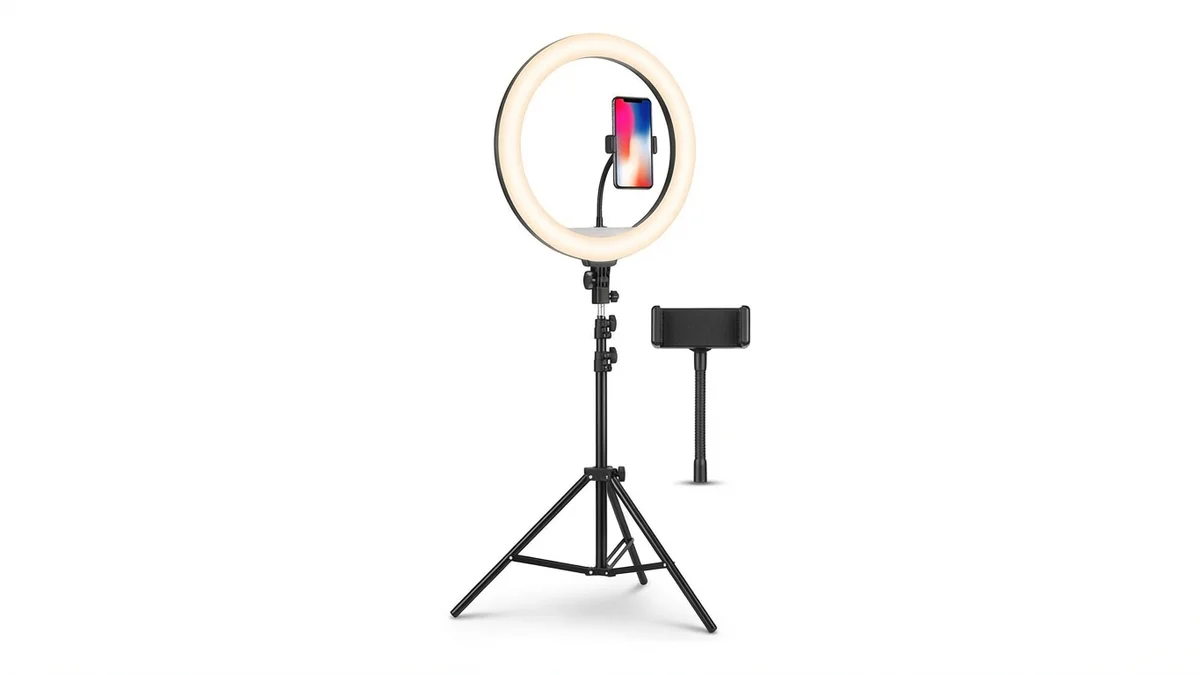
Even, flattering lighting eliminates shadows that confuse AI detection. Essential for capturing photos that produce the most realistic dress swap results.
View on Amazon →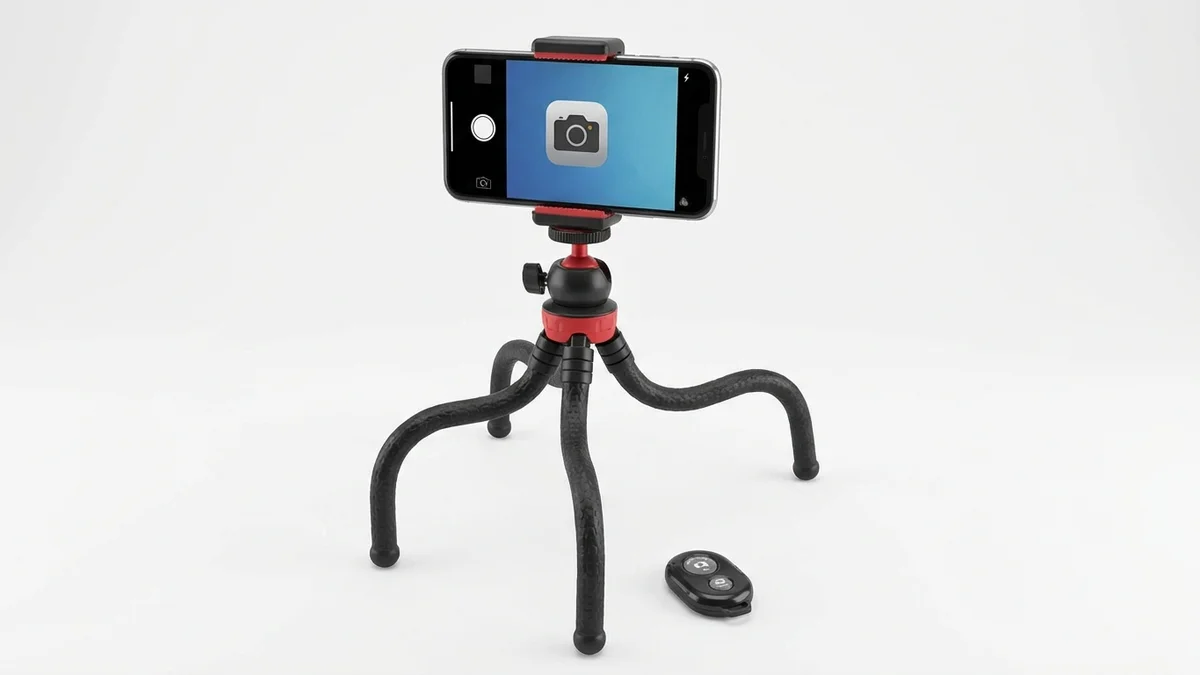
Capture consistent full-body shots without asking someone to photograph you. The wireless remote lets you take multiple poses for AI dress swapping.
View on Amazon →
Full-length mirrors help you capture complete outfit shots. The arched design adds visual interest while showing your entire silhouette for AI processing.
View on Amazon →Frequently Asked Questions
Is AI clothes swapping free to use?
Most AI dress swap tools offer free tiers with basic functionality. Platforms like CheckMyFit, Kolors, and BeautyPlus provide free outfit swaps without requiring payment. Premium features such as batch processing, higher resolution outputs, or commercial licenses may require paid subscriptions.
Are AI dress swap results realistic?
Modern AI dress swap technology produces highly realistic results when given quality input photos. The algorithms accurately simulate fabric draping, shadow placement, and body proportions. Results quality depends primarily on photo resolution, lighting conditions, and matching appropriate garment types.
Can I use AI dress swap on mobile devices?
Yes, most major AI clothes changers work on smartphones and tablets through mobile browsers or dedicated apps. Tools like BeautyPlus and CheckMyFit are optimized for mobile use, allowing you to swap dresses directly from your phone's photo library.
What types of clothing can I swap with AI?
AI dress swap handles most clothing types including dresses, tops, pants, jackets, and complete outfits. The technology works best when swapping similar categories—dress for dress produces better results than dress for pants. Accessories, shoes, and jewelry typically require specialized tools.
Is my data safe when using AI clothes changers?
Reputable AI dress swap tools prioritize privacy with automatic image deletion, encrypted transmission, and no facial data storage. Always review privacy policies before uploading photos. Avoid tools without clear data handling practices or those requesting excessive device permissions.
How long does AI dress swapping take?
Processing times range from 5-20 seconds depending on image complexity and tool infrastructure. Simple outfit swaps complete in under 10 seconds, while detailed customizations or high-resolution outputs may take slightly longer. Most platforms provide real-time progress indicators.
Can I use AI-swapped images commercially?
Commercial usage rights vary by platform. Many tools grant full ownership of generated images, allowing commercial use. However, some services restrict commercial applications to paid tiers. Always verify licensing terms before using AI-swapped images for business purposes.
How accurate is virtual try-on technology?
Virtual try-on accuracy has improved dramatically with generative AI advances. Current technology achieves 85-95% accuracy for fabric rendering and body fitting. Google's latest virtual try-on shows clothing on diverse body types from XXS to XXXL with high fidelity. Results continue improving as AI models train on larger datasets.
Conclusion
AI dress swap technology has matured from experimental novelty to practical tool that transforms how we shop and style. With the virtual try-on market projected to reach $48.8 billion by 2030, this technology is becoming standard for fashion retail and personal styling alike.
The key to successful dress swapping lies in quality input photos, appropriate garment matching, and choosing tools with strong privacy practices. Whether you're planning a wedding, refreshing your professional image, or simply exploring fashion possibilities, AI makes virtual outfit visualization accessible to everyone.
Ready to see how that perfect dress looks on you? Try CheckMyFit for fast, realistic AI dress swapping with industry-leading privacy protection.