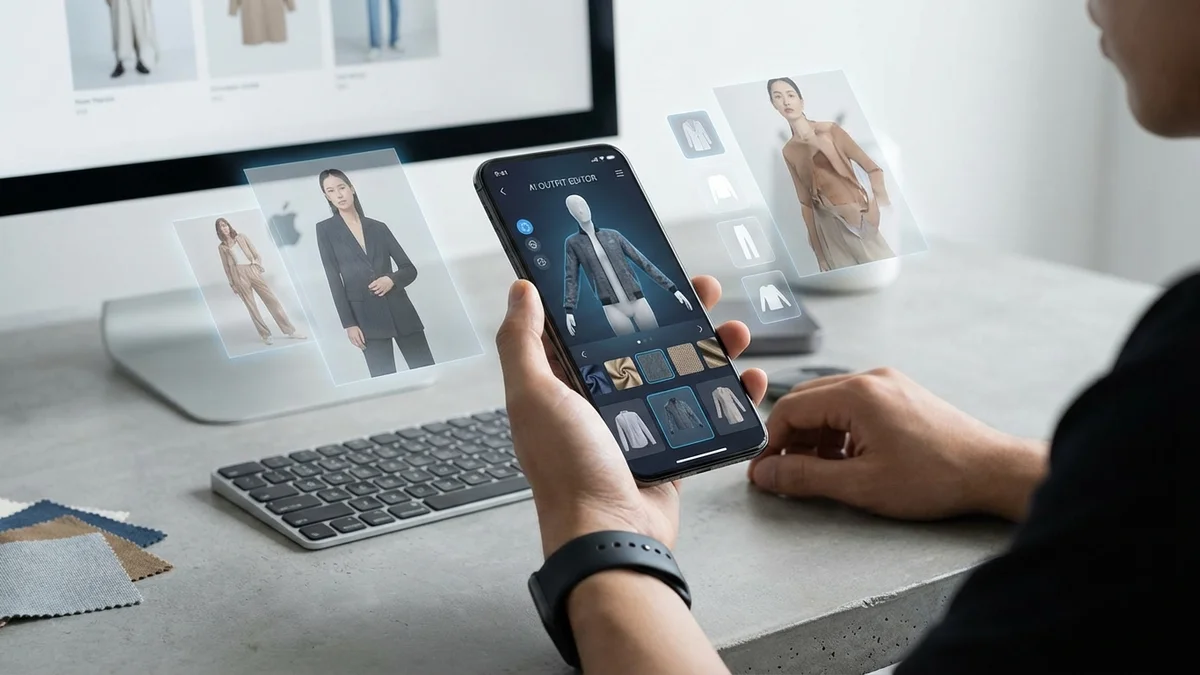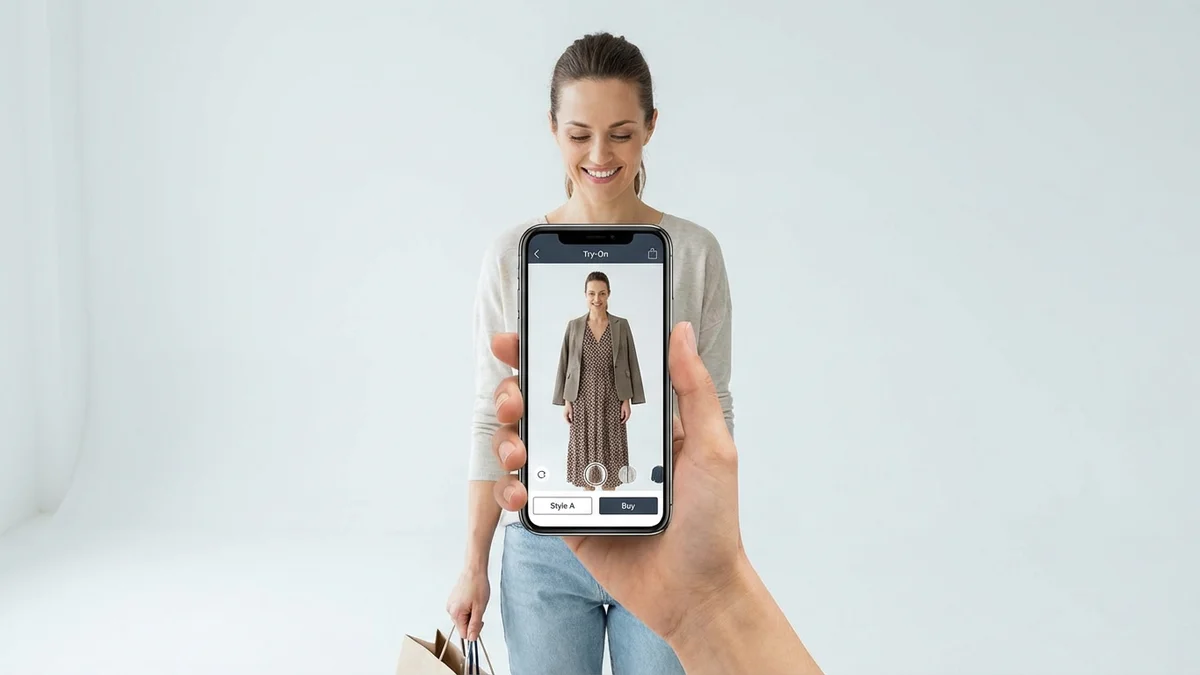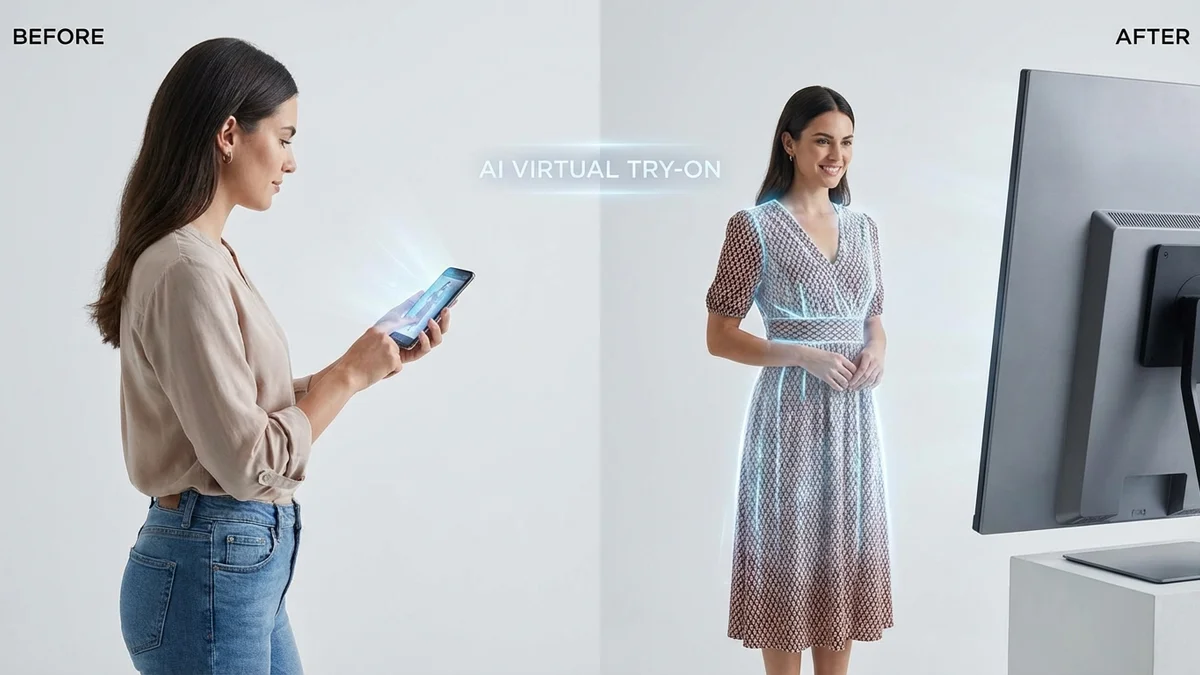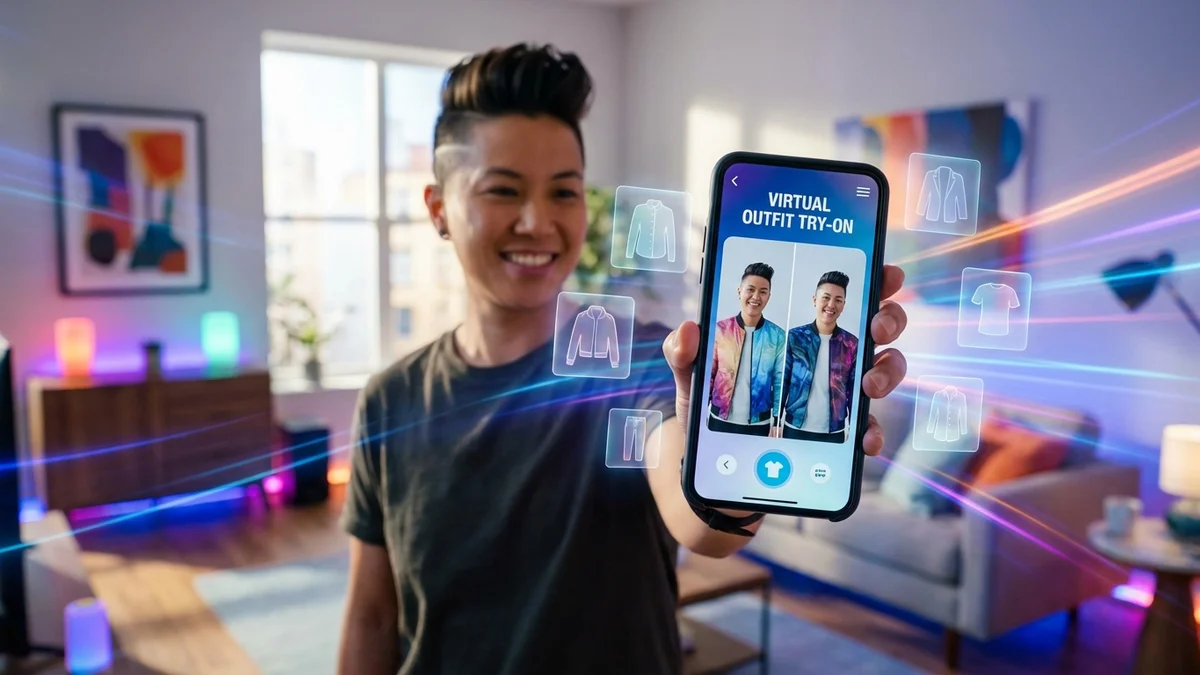
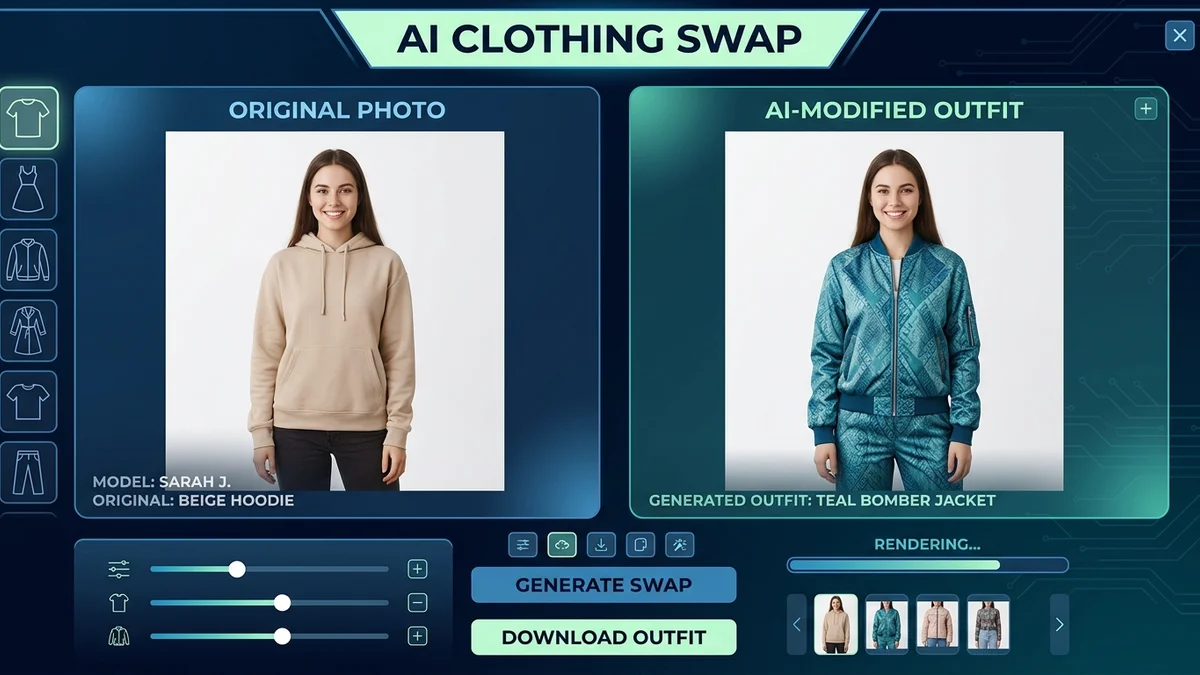
Ever taken a photo and wished you were wearing something different? Maybe you're shopping online and can't tell if that jacket will actually look good on you. That's exactly the problem a cloth changer solves. These AI-powered tools let you swap outfits in photos in seconds, no Photoshop skills required.
The technology behind cloth changing has gotten seriously good in 2026. We're not talking about awkward cut-and-paste jobs anymore. Modern AI cloth changers understand your body shape, match lighting, and even simulate how fabric drapes naturally. Whether you want to preview an outfit before buying or create content for social media, there's a tool that fits your needs.
This guide breaks down how cloth changers work, which ones are worth your time, and how to get the best results from them.
At a Glance
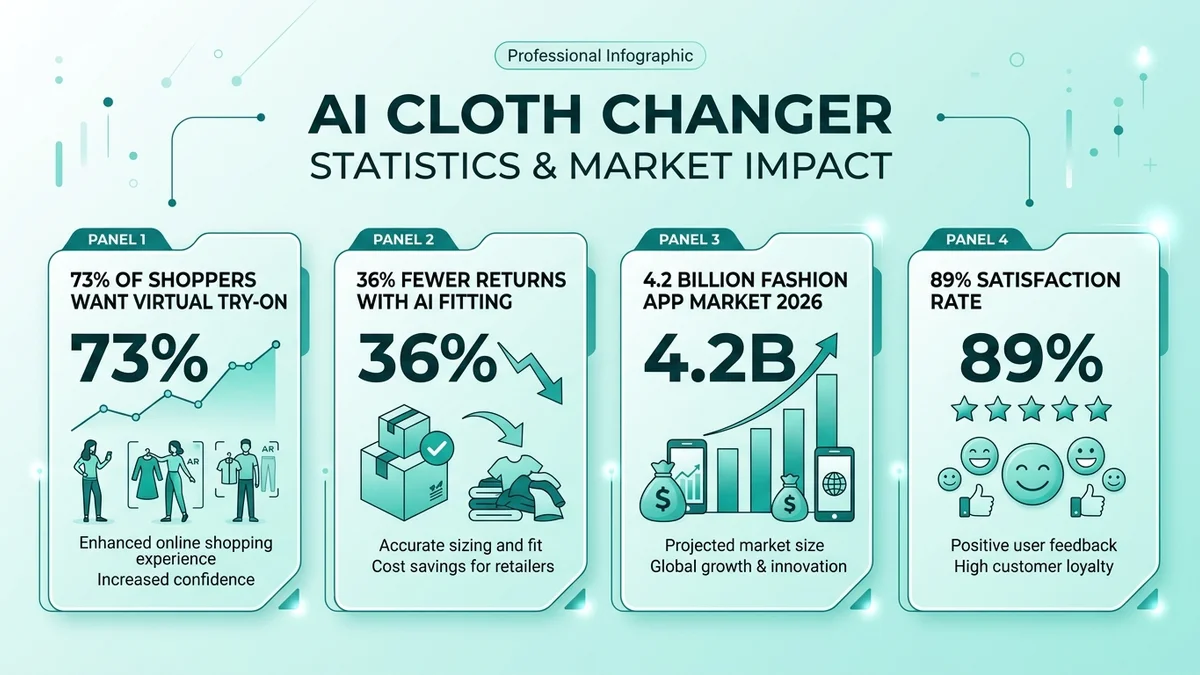
A cloth changer is an AI tool that swaps clothing in photos by detecting your body shape and generating new outfits that match your pose, lighting, and proportions. Top free options in 2026 include PxBee, Airbrush, Fotor, and Krea AI. These tools help online shoppers reduce returns by up to 64% and save brands up to 90% on product photo costs. Most work directly in your browser with no sign-up needed.
What Is a Cloth Changer and How Does It Work?
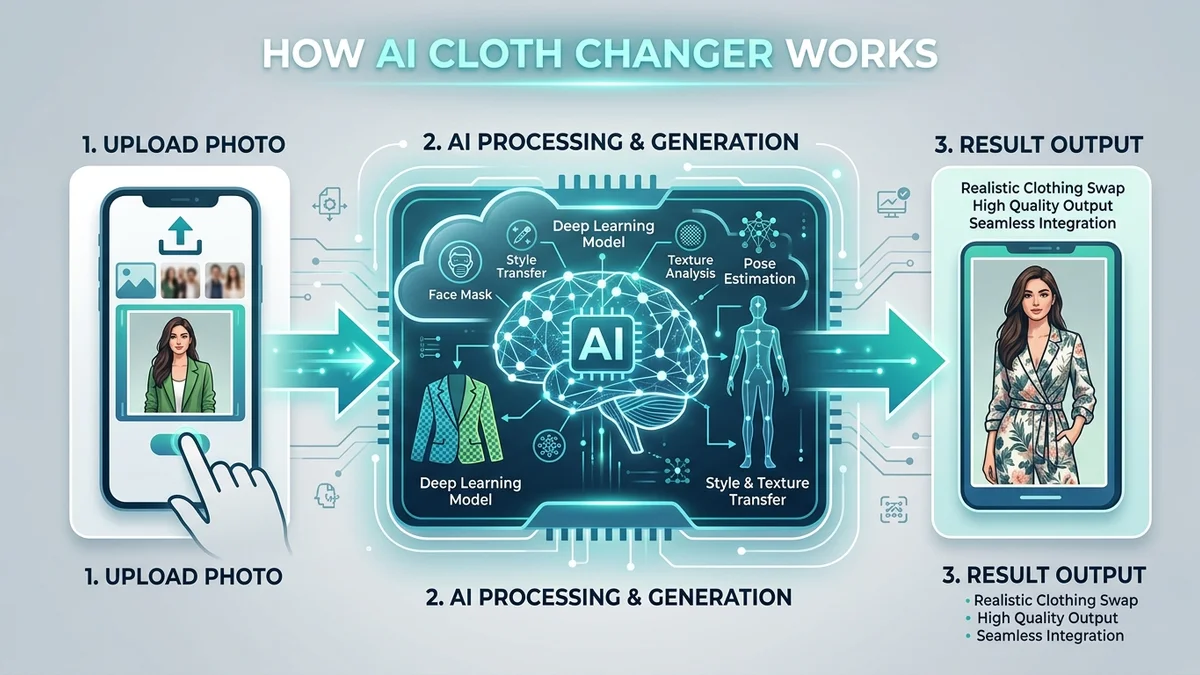
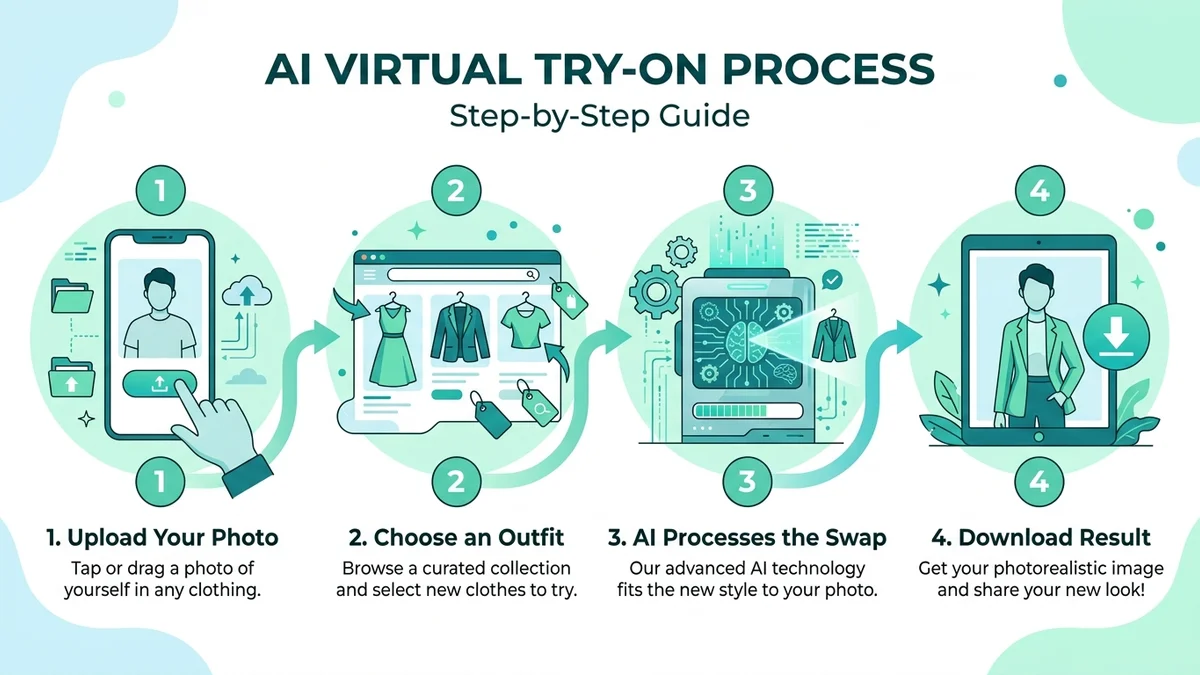
A cloth changer is software that uses artificial intelligence to replace the clothing in a photo with a different outfit. You upload your picture, pick the clothes you want to wear (or describe them with a text prompt), and the AI generates a new version of your photo wearing that outfit.
Key Takeaway: Cloth changers use AI image segmentation and generative models to identify clothing in photos and replace it with new garments while keeping everything else natural and realistic.
The process happens in a few steps. First, the AI performs image segmentation to figure out exactly where your body ends and the clothing begins. Then it uses pose estimation to map key points on your body like shoulders, elbows, and hips. Finally, a generative model creates new clothing pixels that match your body position, the lighting in the photo, and the surrounding scene.
The technology behind this is built on Generative Adversarial Networks (GANs) and diffusion models like Stable Diffusion XL. Two AI systems work together: one creates the new outfit, and the other judges whether it looks real. They keep going back and forth until the result is convincing.
What makes 2026 tools different from earlier versions? They understand physics. The AI knows that silk drapes differently than denim. It adds wrinkles where your arm bends and shadows where fabric folds. That's why results now look authentic instead of pasted on.
In 2026, shoppers who use AI try-on tools convert at 2.3x the rate of those who don't, and their return rates drop by 38% on average.
What's the Difference Between a Cloth Changer and Virtual Try-On?
These two terms get used interchangeably, and honestly, the line between them is blurry. But there is a practical difference worth knowing.
A cloth changer focuses on swapping clothes in existing photos. You have a picture, and you want to change what you're wearing in it. The goal is photo editing.
A virtual try-on is designed specifically for shopping. You upload your photo, browse a catalog, and the AI shows you wearing items you might want to buy. The goal is helping you make a purchase decision.
| Feature | Cloth Changer | Virtual Try-On |
|---|---|---|
| Primary goal | Edit photos | Shop for clothes |
| Input | Your photo + new outfit | Your photo + product catalog |
| Output | Modified photo | Shopping preview |
| Use case | Content creation, fun | Online shopping, reducing returns |
| Accuracy focus | Visual appeal | Fit and sizing |
Both use the same core AI technology. The difference is really about intent. If you're a content creator swapping outfits for Instagram, you're using a cloth changer. If you're checking how a shirt from Zara looks on your body before clicking "buy," that's virtual try-on.
Key Takeaway: Cloth changers and virtual try-on tools share the same AI technology, but cloth changers focus on photo editing while virtual try-on is built for shopping decisions.
Tools like CheckMyFit sit right at the intersection. You can use it as a clothes changer for creative photo editing or as a virtual try-on to preview purchases before committing.
Which Are the Best Free Cloth Changer Tools in 2026?
The number of free AI cloth changers has exploded this year. You don't need to pay or even create an account for most of them. Here are the ones that actually deliver good results.
Top Free Cloth Changers Compared
| Tool | Best For | Free Tier | Sign-Up Required | Platform |
|---|---|---|---|---|
| PxBee | High accuracy swaps | Yes, limited | No | Web |
| Airbrush | Quick one-click changes | Yes | Yes | Web, Mobile |
| Fotor | Prompt-based editing | Yes, watermarked | Yes | Web, Mobile |
| Krea AI | Unlimited free swaps | Fully free | No | Web |
| VisualGPT | No-signup try-ons | Yes | No | Web |
| bitStudio | Realistic textures | Yes | No | Web |
| CheckMyFit | Shopping-focused try-on | Yes | No | Web |
PxBee uses Stable Diffusion XL and neural rendering to achieve what they claim is a 99.2% texture accuracy rate. The results are genuinely impressive for a free tool, especially on well-lit photos.
Krea AI stands out because it's completely free with no subscription tiers. You get unlimited cloth changes without creating an account. The trade-off is that processing can be slower during peak hours.
Fotor gives you three ways to change clothes: upload an outfit image, write a text prompt describing what you want, or pick from presets. It's the most flexible option, though free outputs come with a watermark.
For shopping specifically, CheckMyFit offers a focused virtual try-on experience that shows how real products look on your body. It's built for purchase decisions rather than general photo editing.
Mobile vs. Desktop: Where Do Cloth Changers Work Better?
Desktop wins for quality. Browser-based tools running on a computer access more processing power and deliver sharper results. But mobile apps like Airbrush and Fotor are perfectly fine for casual outfit swaps when you're on the go.
| Aspect | Mobile | Desktop |
|---|---|---|
| Processing speed | Slower | Faster |
| Result quality | Good | Best |
| Convenience | Use anywhere | Need a computer |
| Feature set | Basic | Full |
| Best for | Quick swaps | Professional results |
How Do You Get the Best Results from a Cloth Changer?
The AI is only as good as what you give it. A blurry selfie in dim lighting will produce mediocre results no matter which tool you use. Here's what actually matters.
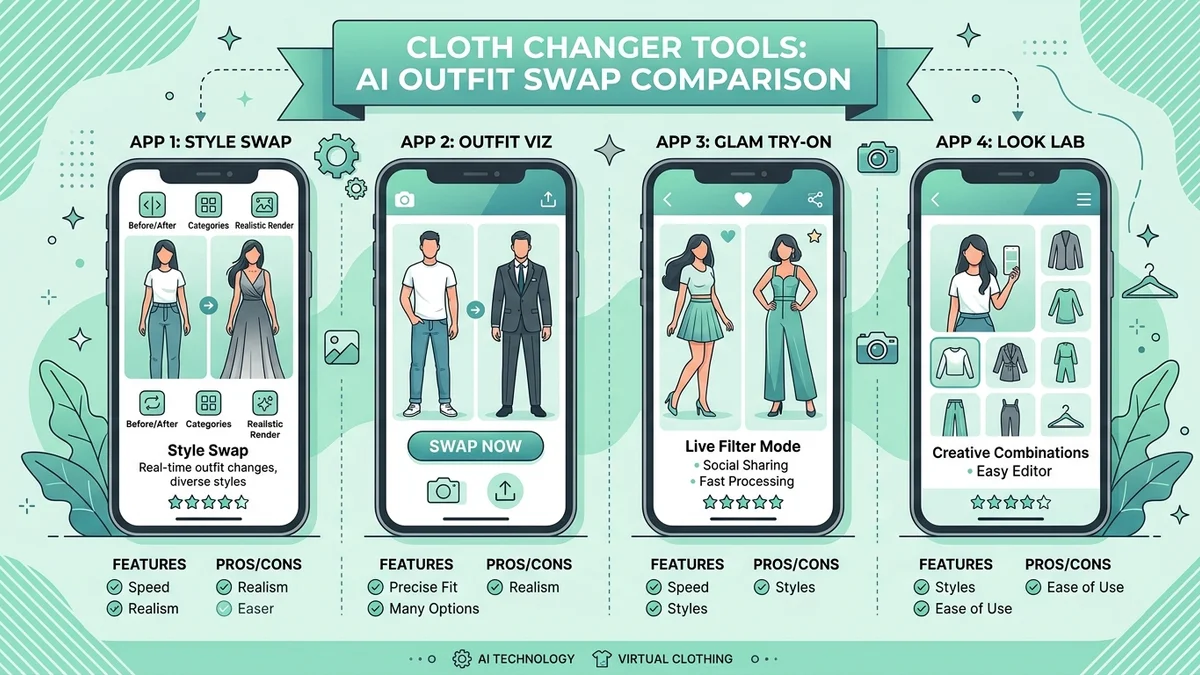
Photo Setup Tips
Resolution is everything. Use photos that are at least 1024x1024 pixels. Your phone's rear camera on standard settings should be more than enough. Avoid screenshots or heavily compressed images.
Lighting makes or breaks it. Natural light from a window works best. Avoid harsh overhead lights that create strong shadows on your face and body. The AI needs to see clear outlines of your figure.
Stand straight, face forward. Cloth changers handle front-facing, upright poses much better than complex angles. Side profiles, crossed arms, or crouching positions confuse the segmentation model.
Keep the background simple. A plain wall or clean room helps the AI distinguish between you and your surroundings. Busy backgrounds with patterns can bleed into the generated clothing.
Common Mistakes That Ruin Results
- Using group photos - Most cloth changers struggle with multiple people. Crop to a single person first
- Uploading tiny images - Anything under 500px wide will look pixelated after processing
- Expecting miracle poses - Arms covering your torso or extreme side angles will produce artifacts
- Ignoring lighting direction - If your photo has light from the left, the generated clothing should match. Good tools handle this automatically, cheap ones don't
- Skipping the preview - Always compare before and after. If something looks off around the edges, try a different source photo
Clear, high-resolution photos with even lighting and a neutral background produce the most realistic cloth changes. This single factor matters more than which tool you pick.
Key Takeaway: Your source photo quality determines 80% of the final result. Invest 30 seconds in good lighting and a clean background before uploading.
What Can You Use a Cloth Changer For?
Cloth changers aren't just a novelty. They solve real problems for different types of users.

Online Shopping Preview
This is the biggest use case by far. You find a jacket online, but you're not sure about the color or the fit. Instead of ordering and hoping for the best (or ordering three sizes and returning two), you upload your photo and see the jacket on your body.
The numbers back this up. Online fashion purchases have a return rate close to 40%. Brands using AI try-on report a 64% reduction in fit-related returns. That's a win for shoppers and retailers.
Content Creation
Fashion bloggers and social media creators use cloth changers to show outfit variations without physically owning every piece. One photo session can produce dozens of different looks.
E-Commerce Product Photos
Brands use AI cloth changers to show their products on different body types without booking models for every variation. One model shoot plus AI can generate an entire catalog. Some brands report saving up to 90% on production costs.
Wardrobe Planning
Planning outfits for a trip, an event, or just your weekly rotation? Cloth changers let you mix and match items from your closet (or items you're thinking about buying) to see what works together.
Fun and Experimentation
Sometimes you just want to see yourself in a wild outfit. A vintage 70s suit? A futuristic metallic dress? Cloth changers make it possible without any commitment.
Is It Safe to Use AI Cloth Changers?
This is a fair question, and you should think about it before uploading photos of yourself to any online tool.
Most reputable cloth changers process your photos on their servers and delete them after generating the result. But "most" isn't "all." Here's what to check.
Read the privacy policy. Specifically look for how long they store your images and whether they use your photos to train their AI. Established tools like Fotor, Canva, and PxBee have clear data handling practices.
Avoid uploading sensitive photos. Don't use images you wouldn't be comfortable being seen publicly. While security breaches are rare, they're not impossible.
Watch for fake tools. The popularity of cloth changers has attracted scam sites that steal photos or install malware. Stick to tools with established reputations, real reviews, and professional websites.
Key Takeaway: Stick to well-known cloth changer tools with clear privacy policies. Avoid unknown sites that ask for excessive permissions or personal data beyond your photo.
| Safety Factor | What to Look For |
|---|---|
| Data storage | "Images deleted after processing" |
| AI training | "Photos not used for model training" |
| HTTPS | Padlock icon in browser address bar |
| Reviews | Verified user reviews on third-party sites |
| Company info | Real company name, address, contact details |
How CheckMyFit Makes Cloth Changing Easy for Shopping
While general cloth changers are great for creative editing, shopping for clothes online still has a specific challenge: you need to know how real products will look on your real body.
CheckMyFit is built specifically for this. Instead of uploading a random outfit image, you browse actual products and see them on yourself. The AI adapts to your body shape, adjusts for realistic fabric draping, and shows you an honest preview of how the garment will fit.
Why does this matter? Because a generic cloth changer might make any outfit look flattering. A shopping-focused tool like CheckMyFit shows you the truth, including when something might not be your best look. That honesty saves you from returns and buyer's remorse.
Try it free at check-my-fit.com and see the difference between a cloth changer and a real shopping assistant.
Recommended Products for Better Cloth Changer Photos
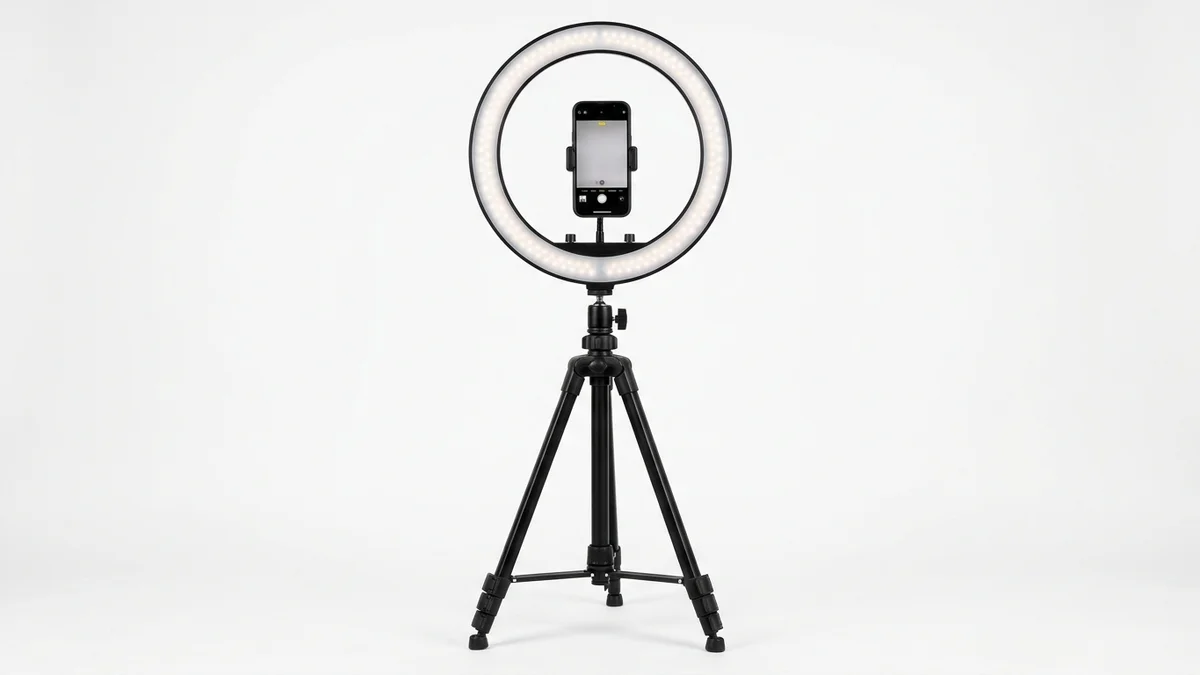
Even lighting is the single most important factor for cloth changer accuracy. This ring light eliminates harsh shadows and gives AI clear body outlines to work with.
View on Amazon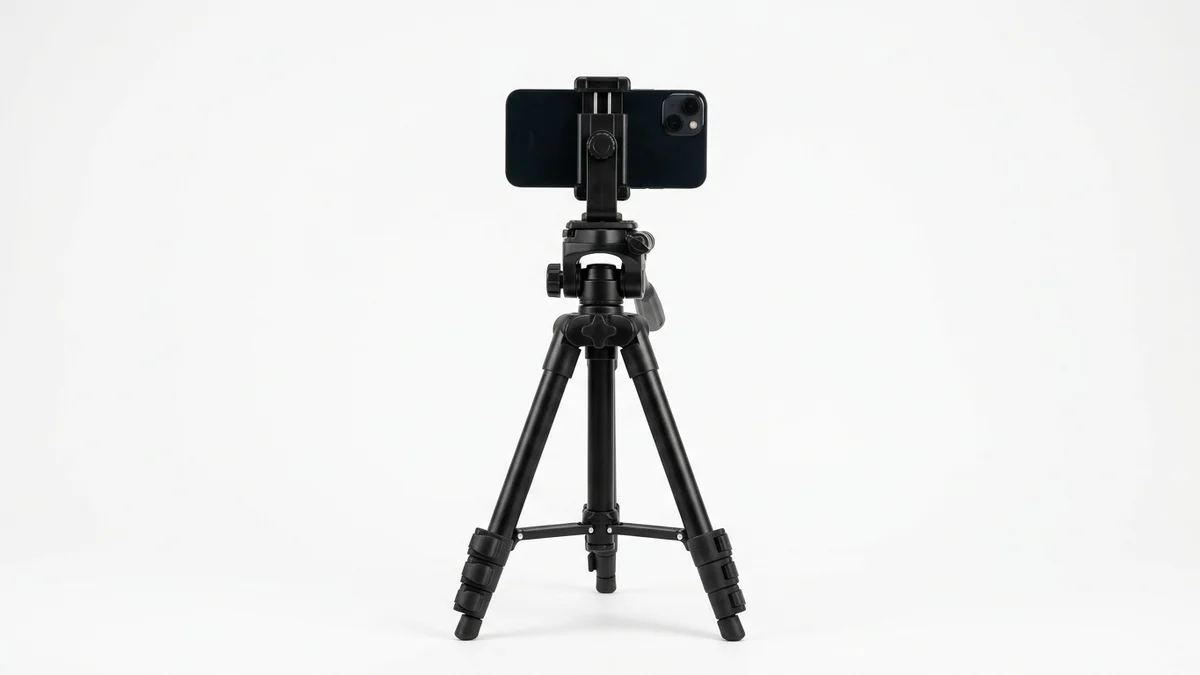
Consistent framing matters for cloth changers. A tripod keeps your full body in frame at the same angle every time, so you can compare different outfit swaps accurately.
View on Amazon
Full-body shots give cloth changers the most data to work with. This mirror helps you frame and check your pose before snapping the photo that goes into the AI.
View on AmazonFrequently Asked Questions
What is a cloth changer?
A cloth changer is an AI-powered tool that replaces the clothing in your photos with different outfits. You upload a photo of yourself, select or describe the clothes you want to wear, and the AI generates a realistic image of you in that new outfit. The whole process takes about 5 to 30 seconds.
Is there a free AI cloth changer that actually works?
Yes, several free cloth changers produce genuinely good results. Krea AI offers unlimited free swaps with no account needed. PxBee delivers high accuracy with its neural rendering engine. Fotor and Airbrush also have solid free tiers. For shopping-focused try-ons, CheckMyFit lets you preview real products on your body for free.
Can I change clothes in a photo without Photoshop?
Absolutely. AI cloth changers handle the entire process automatically. You don't need any design skills or editing software. Just upload your photo, choose the outfit you want, and download the result. Tools like PxBee, Krea, and CheckMyFit work entirely in your browser.
How realistic are AI cloth changer results?
Modern cloth changers produce highly realistic results when you give them good source photos. The AI now understands fabric physics, lighting direction, and body proportions. Well-lit, high-resolution photos with simple backgrounds produce results that are hard to distinguish from real outfit photos. Complex poses or poor lighting will reduce quality.
Are cloth changer apps safe for my photos?
Reputable cloth changers from established companies are generally safe. Your photos are uploaded to their servers for processing and typically deleted afterward. Always check the privacy policy before using any tool. Avoid unknown sites without clear company information, and never upload photos you consider private or sensitive.
What's the best photo to use with a cloth changer?
The ideal photo is high-resolution (at least 1024x1024 pixels), well-lit with natural or even artificial light, shot from the front with your arms at your sides, and taken against a clean, uncluttered background. These conditions give the AI the clearest data to work with and produce the most convincing outfit swaps.
Can cloth changers help me shop for clothes online?
Yes, and this is one of their most practical uses. Instead of guessing how an item will look on you, tools like CheckMyFit let you see clothes on your actual body before purchasing. Shoppers using AI try-on tools return 38% fewer items on average, saving time and money.
Do cloth changers work on mobile phones?
Yes, most cloth changers work on mobile browsers and some offer dedicated apps. Processing may be slightly slower on phones compared to desktop computers, and the results can be marginally less detailed. For quick outfit previews, mobile works fine. For professional-quality results, use a desktop browser.
Can I use a cloth changer for my online store?
Many e-commerce businesses use cloth changers to display products on different body types without expensive photo shoots. Some brands report cutting product photo costs by up to 90%. Tools like WeShop and FitRoom cater specifically to business users with batch processing and API access.
What types of clothing work best with cloth changers?
Tops, jackets, dresses, and pants with clear outlines produce the best results. Items with complex patterns, sheer fabrics, or lots of accessories (scarves, layered jewelry) can challenge the AI. Solid colors and standard fits tend to look most realistic in generated images.
Conclusion
Cloth changers have gone from a niche novelty to a practical everyday tool. Whether you're trying to reduce online shopping returns, create content without a full wardrobe, or just see yourself in a different style, the AI makes it possible in seconds.
The technology will only get better from here. We're already seeing cloth changers that understand fabric physics, match complex lighting, and handle varied body types with real accuracy. What used to require a professional photographer and hours of Photoshop now happens in your browser for free.
If you're tired of ordering clothes online and crossing your fingers, give CheckMyFit a try. Upload your photo, browse outfits, and see exactly what works for your body before spending a cent. It's the fastest way to shop with confidence.