Whether you're running an e-commerce store or trying to preview outfits before buying, clothing photo editing has become essential. AI tools now make it possible to change clothes, remove backgrounds, and create professional product images in minutes—no Photoshop skills required.
This guide covers everything from basic edits like color correction to advanced AI-powered virtual try-on technology. You'll learn which tools deliver the best results and how to create images that actually drive sales.
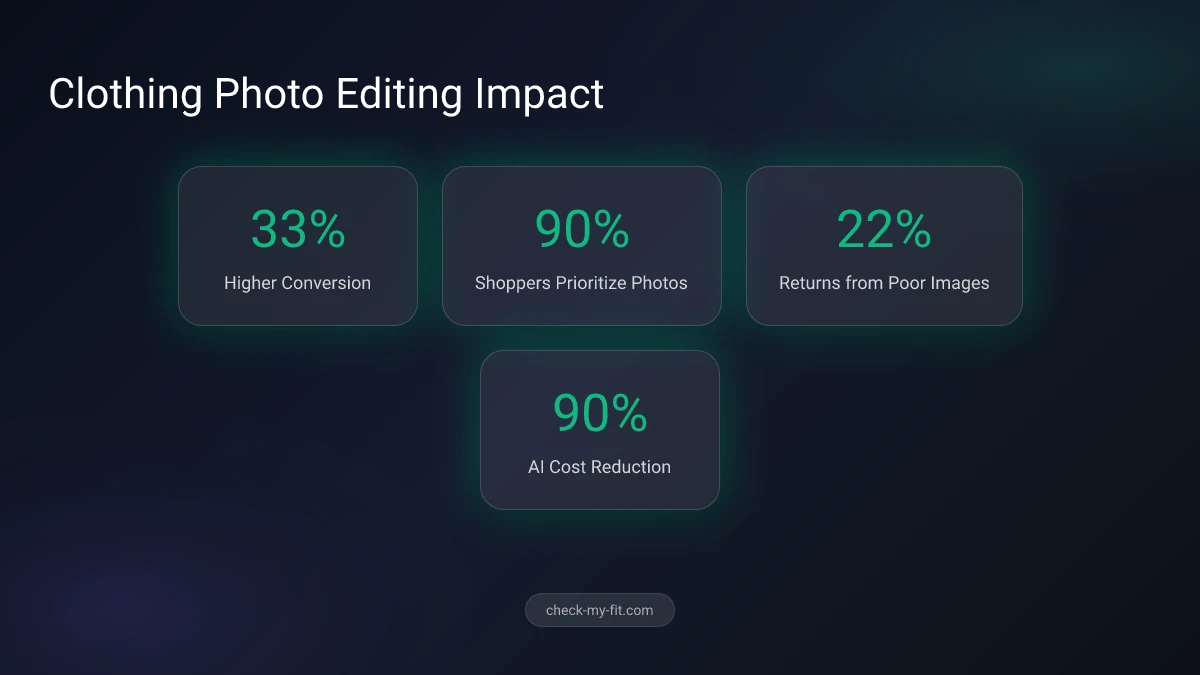
90% of online shoppers say photo quality is the most important factor in their buying decisions.
At a Glance
Clothing photo editing transforms ordinary garment images into professional visuals that sell. Key techniques include background removal, color correction, wrinkle removal, and ghost mannequin effects. AI tools like virtual try-on technology now automate much of this process, reducing editing costs by over 90% while boosting conversion rates by up to 33%.
What Is Clothing Photo Editing?
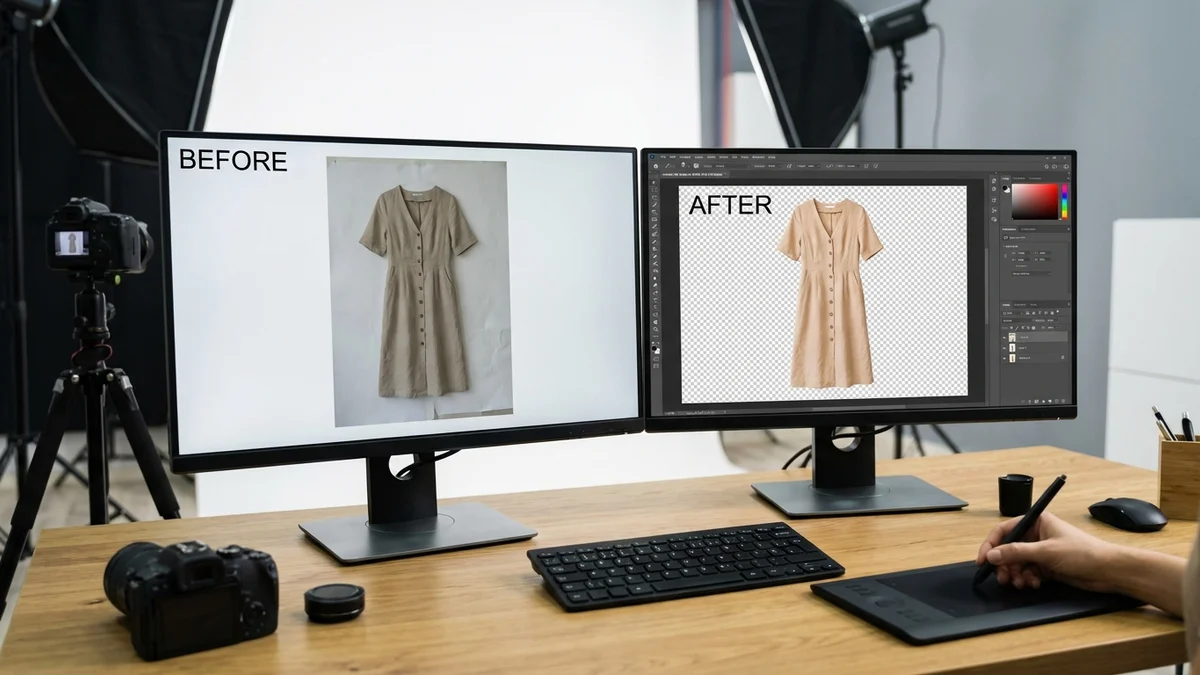
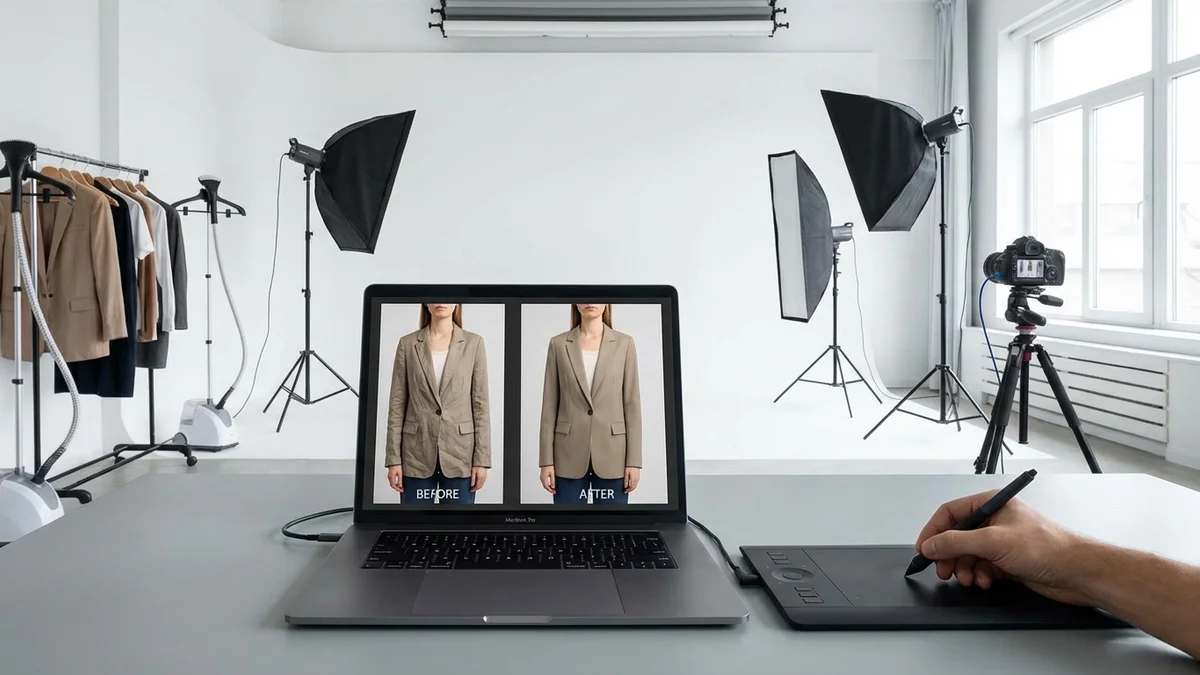
Clothing photo editing is the process of enhancing and manipulating images of garments to make them more appealing for commercial use. This includes removing backgrounds, correcting colors, eliminating wrinkles, and creating composite images that showcase clothes in their best light.
Key Takeaway: Professional clothing photo editing can increase online sales by up to 30% by presenting products in ways that build buyer confidence.
The scope of clothing photo editing ranges from simple adjustments to complex transformations:
| Edit Type | Difficulty | Time Required | Best Tool |
|---|---|---|---|
| Background removal | Easy | 1-2 minutes | AI tools (Photoroom, remove.bg) |
| Color correction | Easy | 2-5 minutes | Lightroom, Snapseed |
| Wrinkle removal | Medium | 5-10 minutes | Photoshop, AI retouching |
| Ghost mannequin | Medium | 10-20 minutes | Photoshop |
| Virtual try-on | Easy | 10-30 seconds | AI clothes changers |
| Lifestyle composite | Hard | 20-60 minutes | Photoshop |
Why Clothing Photo Editing Matters for E-commerce
Products with professional images see a 33% higher conversion rate compared to those with lower-quality visuals. For fashion e-commerce specifically, the top 10% of stores achieve conversion rates of 4.7% or higher—largely due to superior product photography.
22% of returns are driven by a garment looking different in person than it did in images.
Poor photo editing leads to:
- Higher return rates (costing retailers billions annually)
- Lower conversion rates
- Reduced customer trust
- Negative reviews
How to Edit Clothes in Photos: Step-by-Step Guide
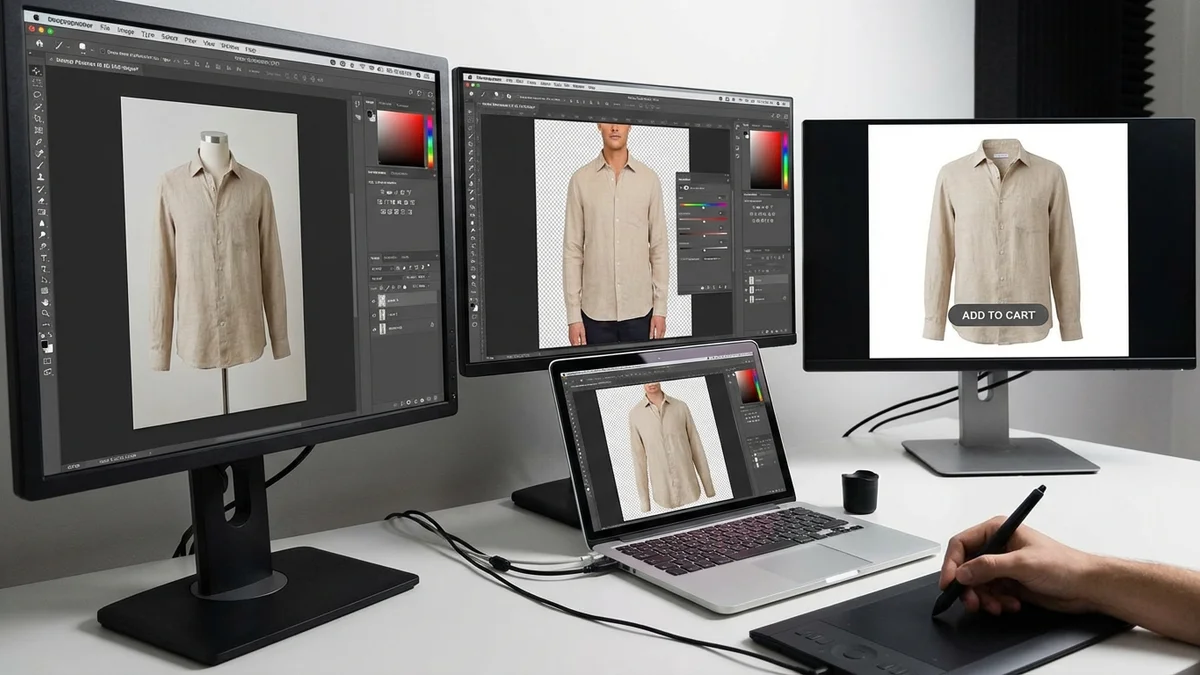
Editing clothes in photos follows a systematic workflow. Whether you're using professional software or AI tools, these steps ensure consistent, high-quality results.
Step 1: Prepare Your Images
Start with the highest quality source material possible. Shoot in RAW format if using a DSLR or mirrorless camera. For smartphone photos, ensure good lighting and avoid compression.
Preparation checklist:
- Steam or iron garments to minimize wrinkles
- Use consistent lighting (natural daylight works best)
- Shoot against a plain background
- Capture multiple angles
Step 2: Remove or Replace the Background
E-commerce platforms like Amazon and eBay require white backgrounds for product listings. AI tools have revolutionized this process—what once took 20+ minutes in Photoshop now takes seconds.
Best tools for background removal:
- Photoroom - Batch processing for multiple images
- remove.bg - Fast, free for basic use
- Canva - Built-in background remover
- Adobe Express - Professional quality results
Step 3: Color Correct the Garment
Color accuracy is critical. A red dress that appears orange online will result in returns and bad reviews.
Color correction tips:
- Use a gray card for reference during shooting
- Adjust white balance first
- Match colors to the physical garment
- Test on multiple devices before publishing
Step 4: Remove Imperfections
Dust, stray threads, wrinkles, and stains distract from the product. The Spot Healing Brush in Photoshop or Clone Stamp tool handles most imperfections.
Common imperfections to fix:
- Wrinkles and creases
- Dust particles
- Loose threads
- Price tags and labels
- Skin blemishes (for model shots)
Step 5: Add Depth with Shadows
Floating product images look unnatural. Adding subtle shadows grounds the garment and creates visual interest.
Shadow types:
- Drop shadow (standard e-commerce)
- Natural shadow (more realistic)
- Reflection shadow (premium look)
Step 6: Resize and Optimize
Platform requirements vary. Instagram prefers 1080x1080 or 1080x1350 pixels. Amazon requires minimum 1000x1000 with white backgrounds. Always optimize file size without sacrificing quality.
What Tools Are Best for Clothing Photo Editing?
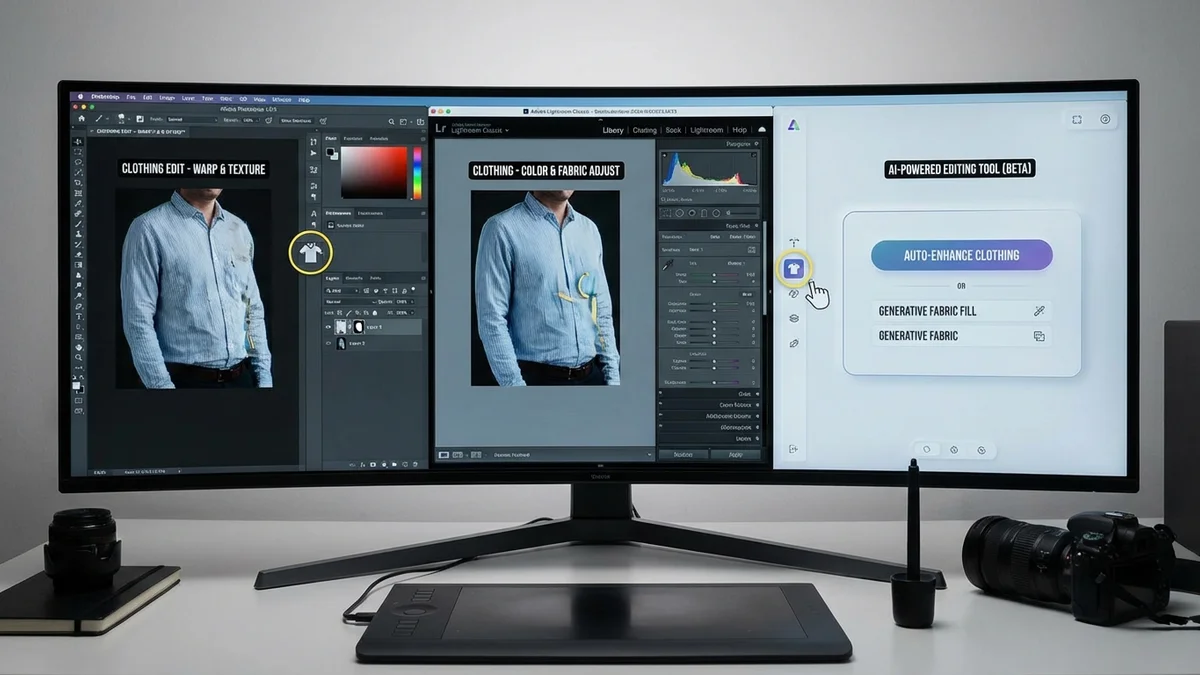
The best tool depends on your needs, budget, and skill level. Here's how the top options compare:
| Tool | Best For | Price | Skill Level | AI Features |
|---|---|---|---|---|
| Adobe Photoshop | Professional editing | $22.99/mo | Advanced | Limited |
| Adobe Lightroom | Color correction | $9.99/mo | Intermediate | Yes |
| Canva | Quick social content | Free-$12.99/mo | Beginner | Yes |
| Photoroom | E-commerce batch editing | Free-$9.99/mo | Beginner | Yes |
| Snapseed | Mobile editing | Free | Beginner | Limited |
| CheckMyFit | Virtual try-on | Free to try | Beginner | Yes |
Professional Software
Adobe Photoshop remains the industry standard for complex clothing photo editing. Its non-destructive editing, advanced selection tools, and layer system handle everything from simple retouching to elaborate composites.
Adobe Lightroom excels at color correction and batch processing. Fashion photographers use it to ensure consistent color across entire product catalogs.
AI-Powered Alternatives
AI tools have democratized clothing photo editing. What once required years of Photoshop expertise now takes minutes with automated solutions.
Photoroom handles background removal, shadow creation, and batch processing automatically. E-commerce sellers report editing hundreds of photos in the time one image previously took.
remove.bg specializes in instant background removal. The AI precisely detects clothing edges—even for complex textures like lace or fur.
Mobile Apps
Snapseed (free, by Google) offers professional-level controls on mobile. The Selective Adjust feature lets you target specific areas of clothing for precise edits.
Lightroom Mobile brings desktop-quality RAW editing to smartphones. Essential for shooting and editing product photos on location.
What Is the Ghost Mannequin Technique?
The ghost mannequin effect (also called invisible mannequin or hollow man) displays garments as if worn by an invisible person. This technique shows the shape and fit of clothing without the distraction of a visible mannequin or model.
Key Takeaway: Ghost mannequin photography is used by 57.2% of top e-commerce fashion brands because it highlights garment structure while maintaining a clean, professional look.
How to Create a Ghost Mannequin Effect
- Photograph the garment on a mannequin from multiple angles
- Remove the mannequin in Photoshop using selection tools
- Composite interior shots showing tags, collars, and inside seams
- Add shadows to ground the floating garment
This technique works best for:
- Shirts and blouses
- Jackets and coats
- Dresses
- Pants and shorts
The process typically takes 10-20 minutes per garment in Photoshop. Some AI tools now automate portions of this workflow.
How Can AI Change Clothes in Photos?
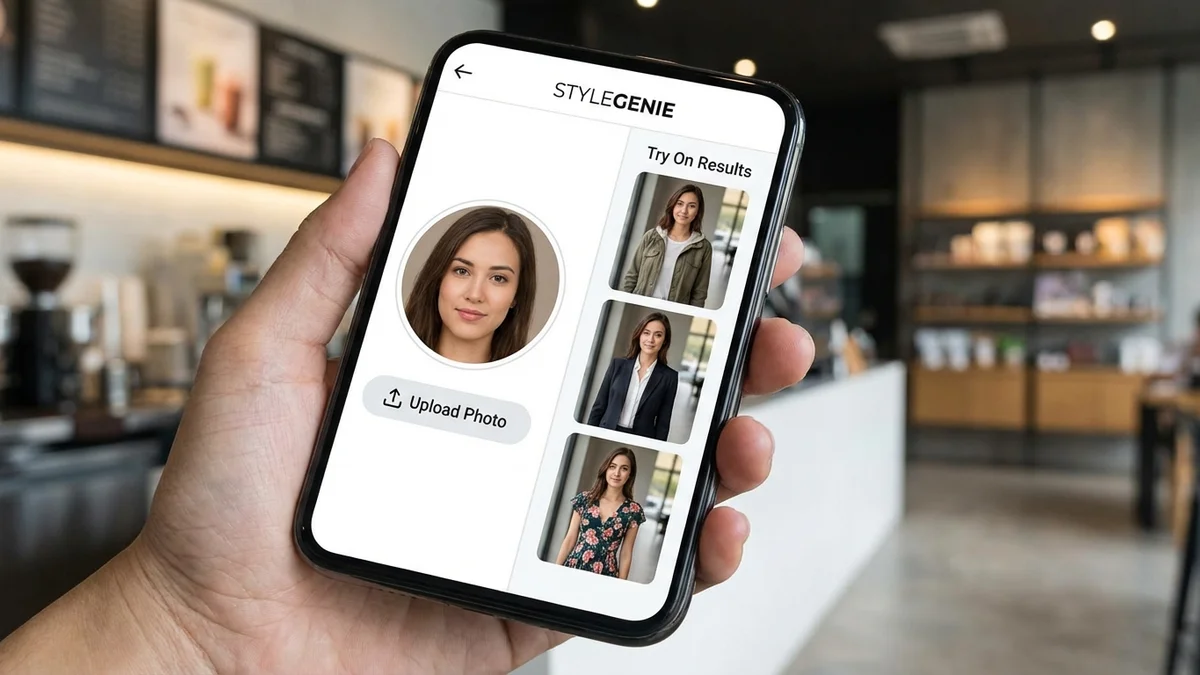
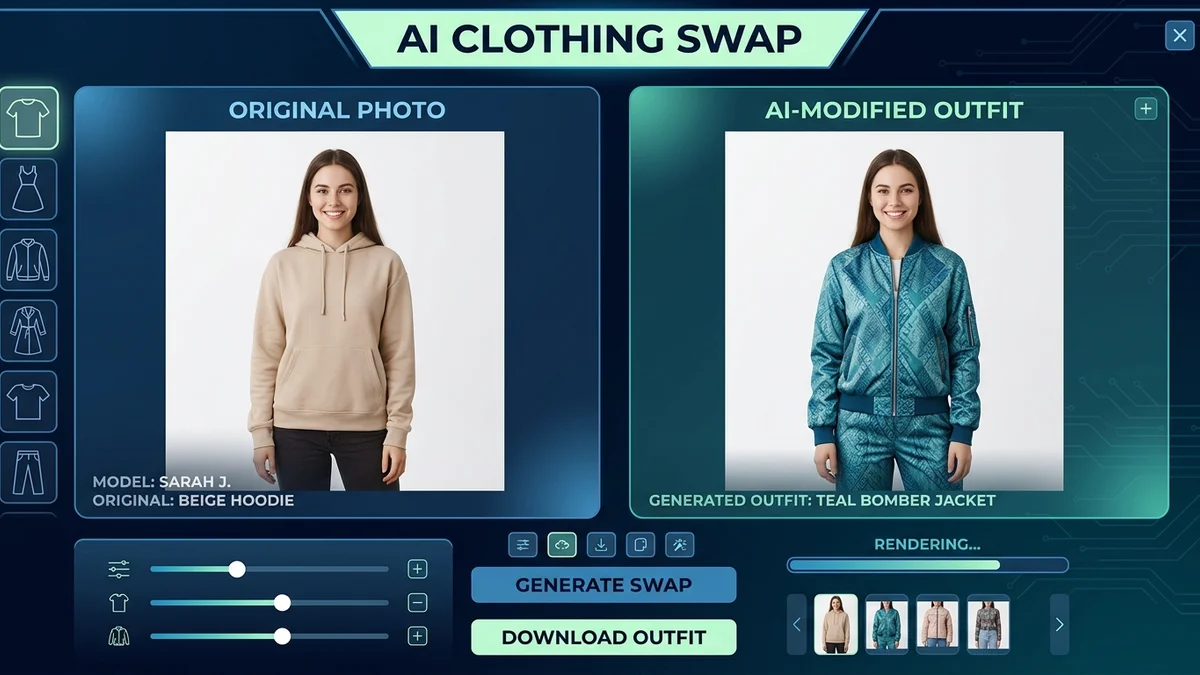
AI clothes changers represent the next evolution of clothing photo editing. Instead of manually editing each image, these tools automatically swap outfits using generative AI.
How AI clothes changing works:
- Upload a photo of yourself (or a model)
- Upload or select the clothing item
- AI analyzes body shape and pose
- Generative models render the new outfit
- Final image blends clothing naturally with lighting and shadows
Processing typically takes 10-30 seconds. The technology has advanced rapidly—modern AI produces results nearly indistinguishable from actual photographs.
Best AI Clothes Changers
| Tool | Speed | Quality | Free Tier | Best Feature |
|---|---|---|---|---|
| CheckMyFit | 10-15 sec | High | Yes | Virtual try-on before buying |
| Fotor | 5-10 sec | Medium | Yes | Text prompts for styling |
| LightX | 10-20 sec | High | Yes | Preset outfit styles |
| Airbrush | 5-15 sec | Medium | Yes | One-click outfit changes |
| Pincel | 10-20 sec | High | Limited | Professional retouching |
Virtual Try-On for Shoppers
Beyond professional editing, AI clothes changers solve a major online shopping problem: not knowing how clothes will look on you before buying.
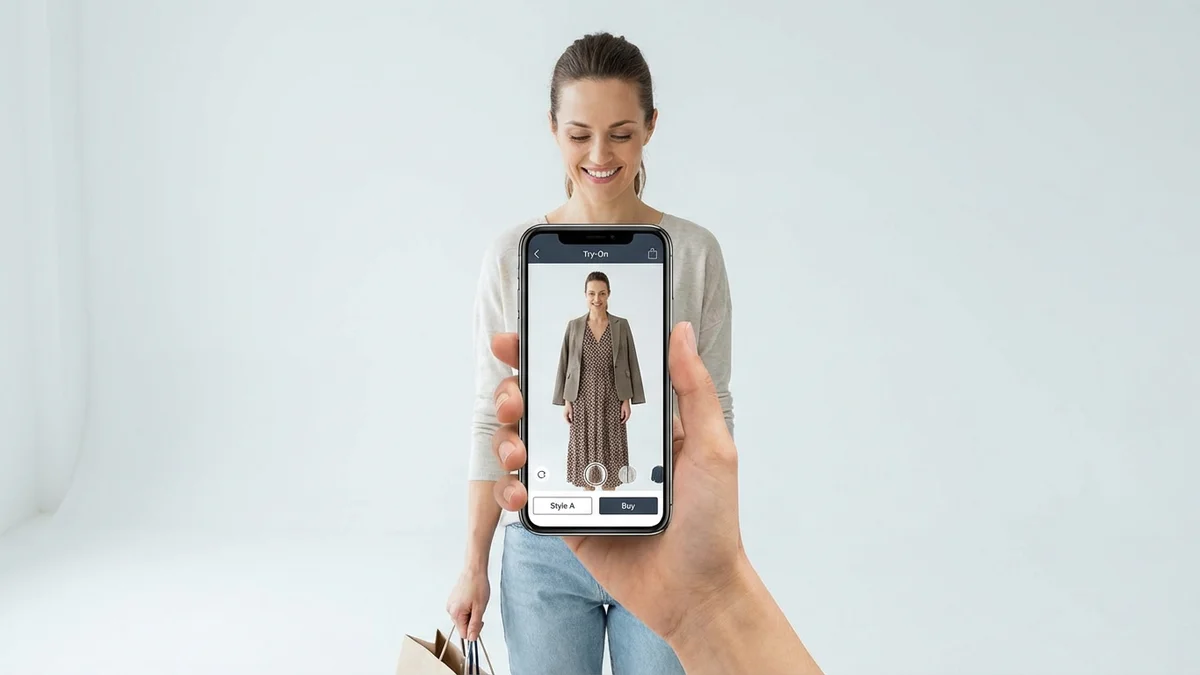
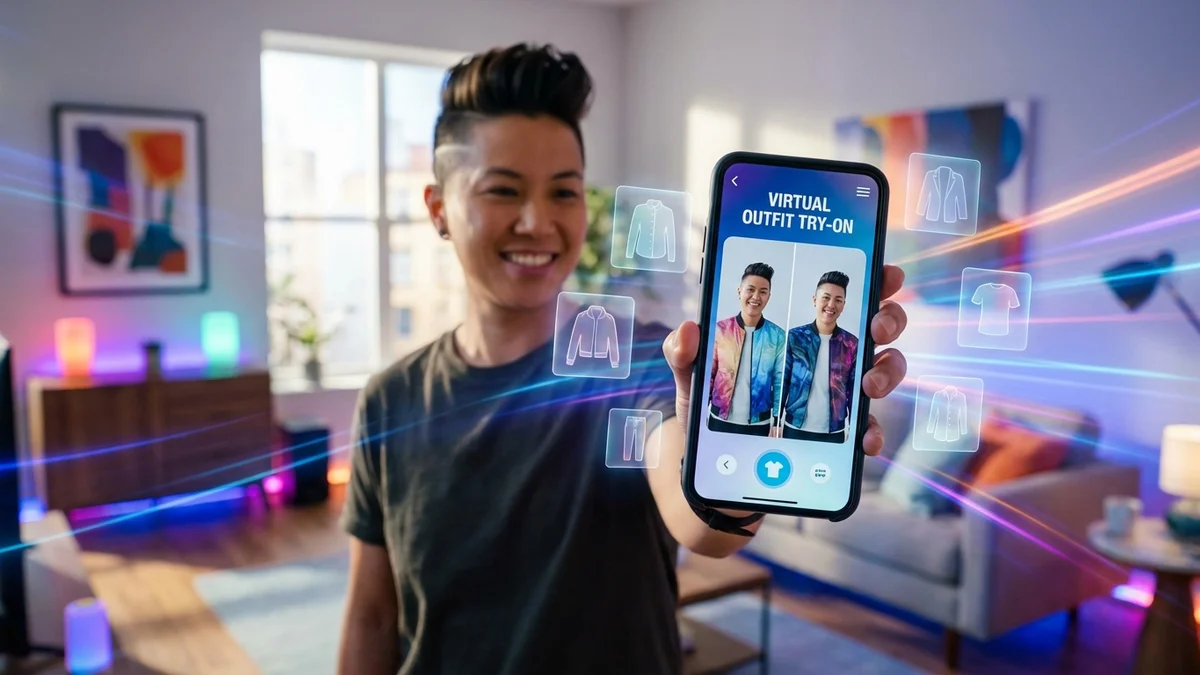
Tools like CheckMyFit let shoppers upload their photo and see exactly how a garment looks on their body. This virtual fitting room technology reduces returns and increases purchase confidence.
Virtual try-on technology can reduce fashion return rates by up to 40%.
Common Clothing Photo Editing Mistakes to Avoid
Even experienced editors make these errors. Avoiding them will set your product images apart.
Over-Editing
Heavy filters, excessive smoothing, and unrealistic color enhancement destroy buyer trust. The goal is accurate representation, not artistic interpretation.
Signs of over-editing:
- Skin looks plastic or waxy
- Colors appear oversaturated
- Details look artificially sharpened
- Shadows look painted on
Inconsistent Lighting
When product images have different lighting styles, your e-commerce store looks unprofessional. Establish a consistent setup and replicate it for every shoot.
Incorrect Color Representation
The number one cause of clothing returns is color mismatch. Always calibrate your monitor and test images on multiple devices.
Ignoring Platform Requirements
Each platform has specific image requirements:
| Platform | Size | Background | Format |
|---|---|---|---|
| Amazon | 1000x1000 min | Pure white | JPEG/PNG |
| eBay | 500x500 min | White preferred | JPEG/PNG/GIF |
| Shopify | 2048x2048 optimal | Any | JPEG/PNG/GIF |
| 1080x1080 or 1080x1350 | Any | JPEG |
Neglecting Mobile Optimization
Over 60% of e-commerce browsing happens on mobile. Images must look sharp on small screens while loading quickly.
Pro Tips for Professional Clothing Photos
Shoot in Natural Daylight
Natural light produces the most accurate colors and reduces editing time. Position garments near large windows during golden hour for soft, flattering illumination.
Use Consistent Backgrounds
The top fashion e-commerce brands use the same background across all products. White or light gray works best for most platforms.
Show Clothes on Different Models
99% of Gen Z shoppers prefer purchasing products that include reviews with visual content. Including diverse model representation increases conversion across all demographics.
Prepare Photos for Multiple Platforms
Create a master file at highest resolution, then export platform-specific versions. This ensures consistency while meeting each platform's requirements.
Invest in Basic Equipment
You don't need a professional studio. Essential items include:
- Good lighting (ring light or softbox)
- Tripod or phone mount
- Backdrop (white seamless paper)
- Steamer for wrinkle removal
How CheckMyFit Transforms Clothing Photo Editing

Traditional clothing photo editing focuses on making products look good. CheckMyFit takes this further by letting shoppers see products on themselves.
Here's how it works:
- Upload your photo - Use any clear, well-lit image
- Select or upload clothing - Browse items or add specific garments
- Generate preview - AI creates a realistic try-on image in seconds
- Make confident decisions - Buy knowing exactly how it will look
This AI clothes changer technology eliminates the guesswork from online shopping. No more wondering if that dress will fit your body type or if those pants will work with your proportions.
Benefits for shoppers:
- See clothes on your actual body type
- Test multiple outfits quickly
- Reduce returns and disappointment
- Shop confidently from anywhere
Benefits for retailers:
- Lower return rates
- Higher conversion rates
- Reduced customer service inquiries
- Increased customer satisfaction
Try CheckMyFit free to see how AI virtual try-on can transform your shopping experience.
Recommended Products for Clothing Photo Editing
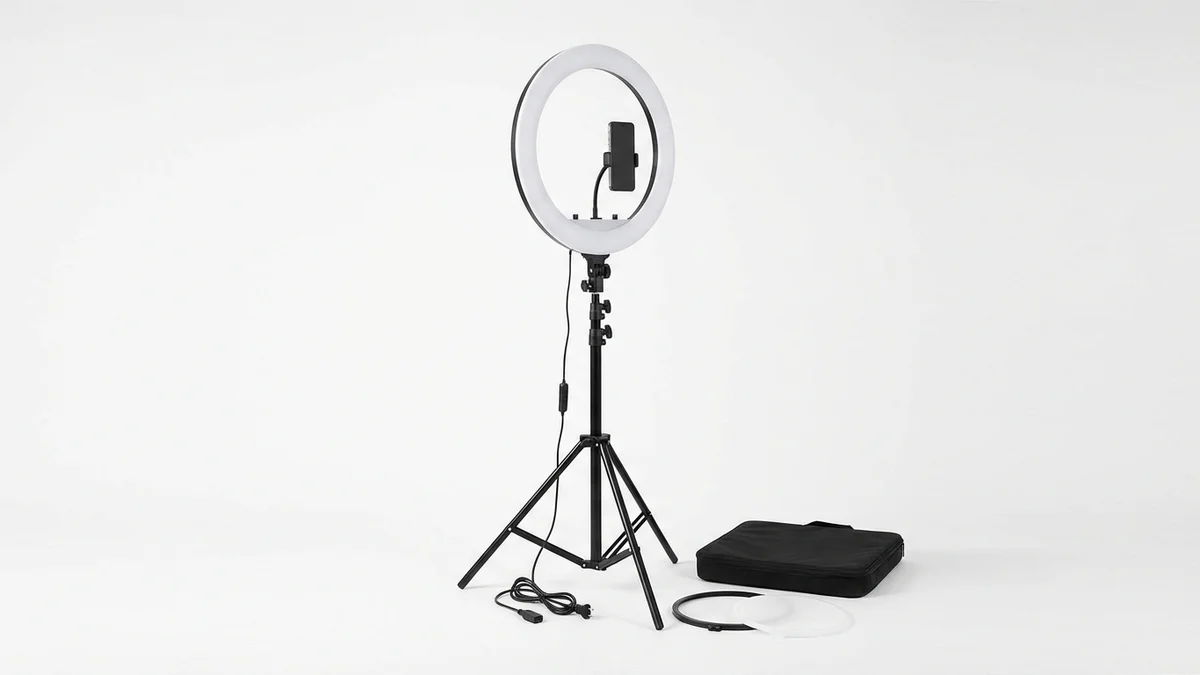
Professional ring lighting eliminates harsh shadows and creates even illumination for clothing photos. Includes adjustable stand and phone holder for consistent shoots.
View on Amazon →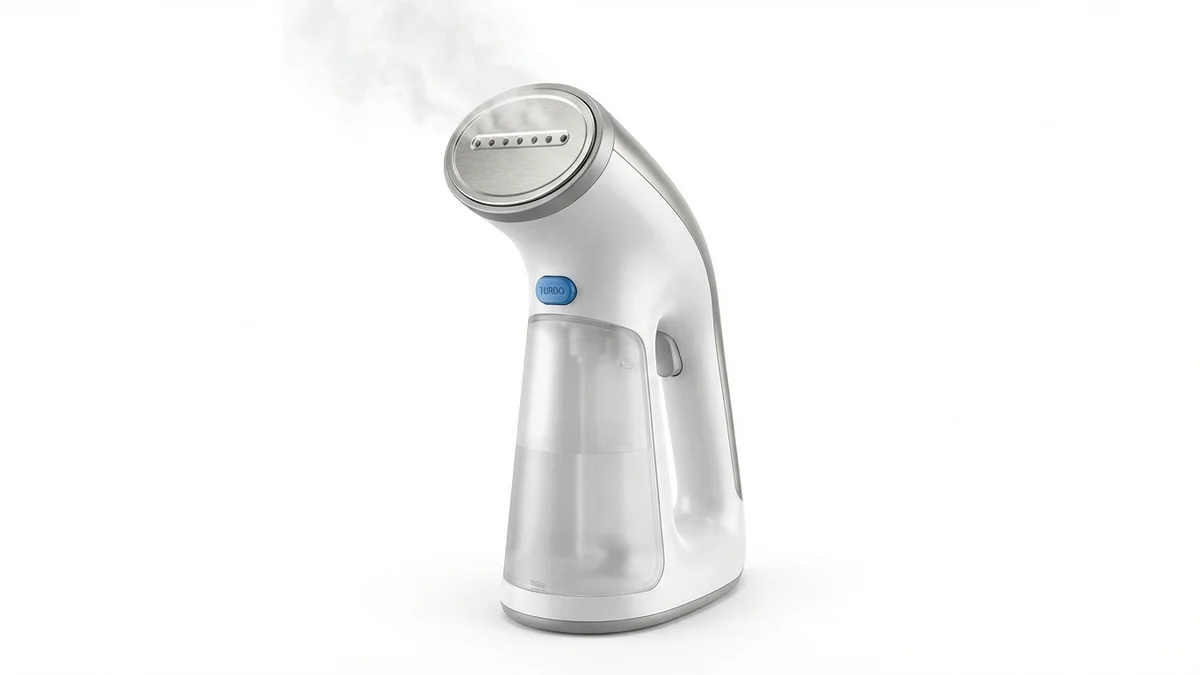
Remove wrinkles from garments before shooting to minimize editing time. Heats up in 40 seconds and works on all fabric types including delicates.
View on Amazon →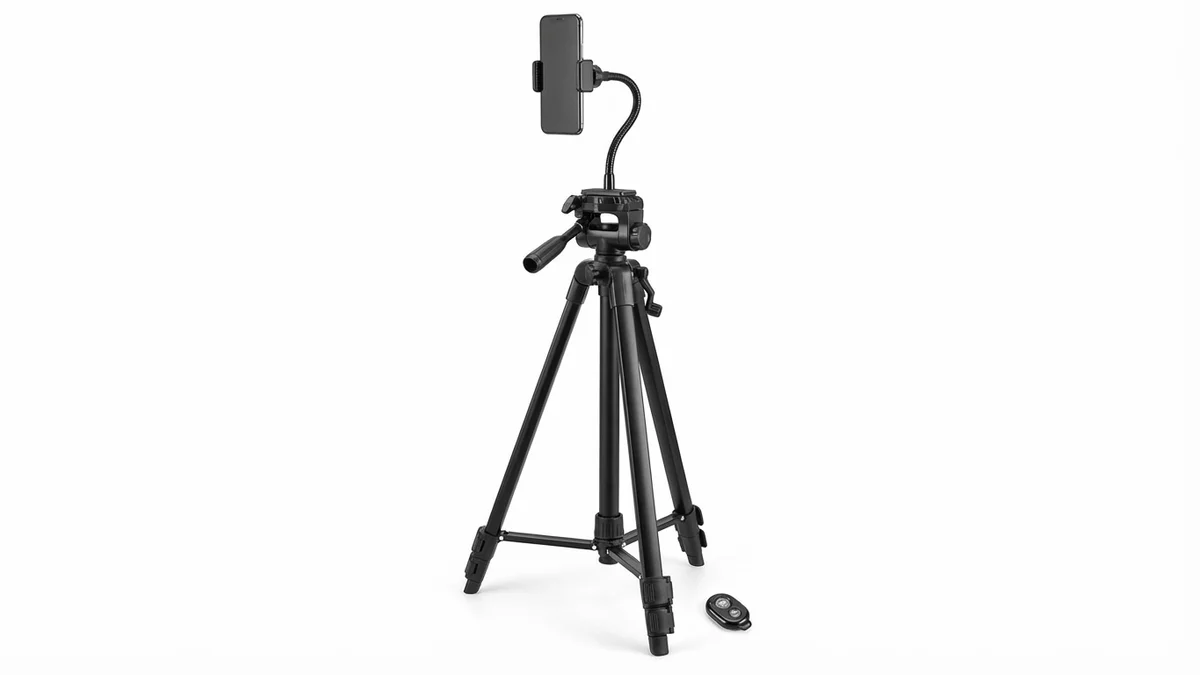
Stable phone mounting ensures sharp, consistent product shots. Adjustable height and wireless remote included for hands-free shooting of clothing displays.
View on Amazon →Frequently Asked Questions
Can AI change clothes in photos?
Yes, AI can change clothes in photos using generative technology that analyzes body shape and renders new garments realistically. Tools like CheckMyFit, Fotor, and LightX allow you to upload a photo and swap outfits in seconds. The AI handles complex tasks like matching lighting, creating natural fabric folds, and blending edges automatically.
What software is best for clothing photo editing?
Adobe Photoshop remains the professional standard for complex clothing photo editing, offering non-destructive layers and precise selection tools. For beginners, AI-powered options like Photoroom and Canva provide excellent results with minimal learning curve. Mobile users can achieve professional quality with Snapseed or Lightroom Mobile.
How do I remove wrinkles from clothes in photos?
Use the Spot Healing Brush or Clone Stamp tool in Photoshop to remove wrinkles from clothing images. Paint over wrinkle areas and the software replaces them with smooth texture from surrounding pixels. For best results, steam or iron garments before shooting to minimize post-processing work.
What background should I use for clothing product photos?
White or light gray backgrounds work best for clothing product photos, especially for e-commerce platforms. Amazon and eBay require pure white backgrounds for listings. White backgrounds eliminate distractions, ensure color accuracy, and create a consistent shopping experience across your product catalog.
Is clothing photo editing free?
Many clothing photo editing tools offer free tiers. Snapseed and Canva provide powerful editing capabilities at no cost. AI background removers like remove.bg offer limited free uses. For professional e-commerce needs, paid subscriptions typically cost $10-25 monthly and include batch processing and advanced features.
How do virtual try-on tools work?
Virtual try-on tools use computer vision to analyze your body shape and pose from a photo. AI then renders the selected clothing item onto your image, adjusting for your proportions, the photo's lighting, and creating realistic fabric draping. Results typically generate in 10-30 seconds.
What is lifestyle composite editing?
Lifestyle composite editing combines a product photo with a background scene to create context and emotional appeal. The garment is photographed separately, then digitally placed into an environmental setting. This technique is faster and more affordable than organizing location photoshoots while achieving similar visual impact.
How can I color correct clothing images accurately?
Start by shooting with a gray card reference and calibrating your monitor. In editing software, adjust white balance first using the gray card as reference. Compare edited images to the physical garment under neutral lighting. Test final images on multiple devices before publishing to ensure color accuracy across screens.
Conclusion
Clothing photo editing has transformed from a specialized skill into an accessible capability for anyone with the right tools. Whether you're using traditional software like Photoshop or AI-powered solutions, the principles remain the same: accurate colors, clean backgrounds, and professional presentation drive sales.
AI tools have particularly revolutionized the field. Tasks that once took hours—background removal, wrinkle retouching, even complete outfit changes—now happen in seconds. Virtual try-on technology lets shoppers see exactly how clothes will look before purchasing.
The statistics speak clearly: 90% of shoppers prioritize photo quality, and professional images boost conversions by 33%. Investing time in clothing photo editing—or choosing the right AI tools to automate it—directly impacts your bottom line.
Ready to see how clothes look on you before buying? Try CheckMyFit for free and experience AI-powered virtual try-on technology that's changing how we shop online.